How Retail Automation Software Supports Back-Office Operations
- Arcitech
- 16th October 2026
A customer buys the last available item online, but a store has already sold it. Meanwhile, a supplier invoice waits for approval because the delivery record is incomplete.
Checkout may be fast while the processes behind it remain disconnected.
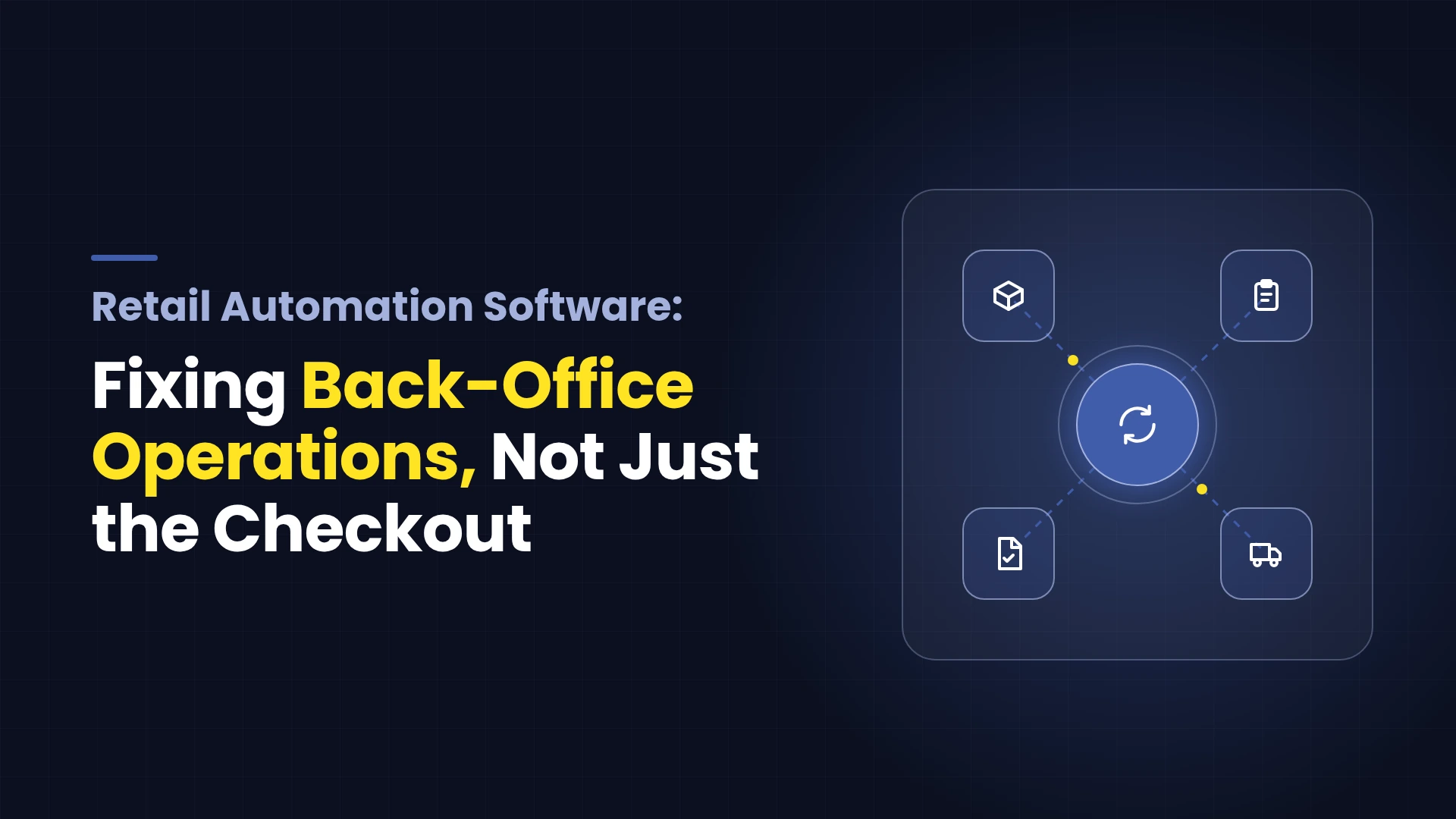
Retail automation software connects repetitive tasks across inventory, purchasing, finance and fulfilment. It helps move information between systems, apply business rules and send exceptions to the right employee.
The opportunity extends beyond replacing manual steps. A useful implementation reduces the gaps between what customers are promised and what the business can deliver.
Checkout may be fast while the processes behind it remain disconnected.
Retail automation software connects repetitive tasks across inventory, purchasing, finance and fulfilment. It helps move information between systems, apply business rules and send exceptions to the right employee.
The opportunity extends beyond replacing manual steps. A useful implementation reduces the gaps between what customers are promised and what the business can deliver.
What Is Retail Automation Software
Retail automation software performs or coordinates tasks that employees would otherwise handle manually.
It can include capabilities within a point-of-sale system, ERP, inventory platform or order management application. It can also involve integrations connecting these systems.
Typical workflows include stock alerts, purchase approvals, invoice matching, returns processing and operational reporting.
AI adds value when information requires interpretation, such as extracting supplier document details or identifying unusual patterns. Predictable actions, including routing an approved purchase order, often need only rules.
Retail process automation should use the simplest reliable approach for each task.
It can include capabilities within a point-of-sale system, ERP, inventory platform or order management application. It can also involve integrations connecting these systems.
Typical workflows include stock alerts, purchase approvals, invoice matching, returns processing and operational reporting.
AI adds value when information requires interpretation, such as extracting supplier document details or identifying unusual patterns. Predictable actions, including routing an approved purchase order, often need only rules.
Retail process automation should use the simplest reliable approach for each task.
Diagnose the Back Office Problem First
Before selecting software, follow a transaction from purchase to fulfilment and accounting. Identify where staff re-enter information, chase approvals or correct records.
Choose a workflow with a clear owner and measurable business impact. Automating an inaccurate stock record will not make the underlying inventory reliable.
| Operational problem | What to investigate |
|---|---|
| Online orders exceed available stock | Inventory update delays and reservation logic |
| Stores repeatedly request emergency transfers | Replenishment rules and supplier lead times |
| Supplier invoices remain unapproved | Missing receipts and unclear approval ownership |
| Returns take too long to close | Inspection, refund and stock-update handoffs |
| Reports disagree across departments | Inconsistent definitions and disconnected records |
Where Retail Automation Software Helps
Inventory Availability and Replenishment
Automation can connect sales, receipts, reservations and transfers so teams spend less time consolidating inventory records.
However, understand what an availability figure represents. Microsoft’s retail documentation describes channel-side availability as an estimate calculated from a baseline and subsequent inventory changes. A near-real-time figure is not a physical stock count.
Define how damaged items, reserved units and goods awaiting inspection affect sellable stock.
For replenishment, start with approved reorder rules and review exceptions. AI in retail operations can support demand analysis, but purchasing decisions should also consider promotions, supplier reliability and stock that cannot be sold.
However, understand what an availability figure represents. Microsoft’s retail documentation describes channel-side availability as an estimate calculated from a baseline and subsequent inventory changes. A near-real-time figure is not a physical stock count.
Define how damaged items, reserved units and goods awaiting inspection affect sellable stock.
For replenishment, start with approved reorder rules and review exceptions. AI in retail operations can support demand analysis, but purchasing decisions should also consider promotions, supplier reliability and stock that cannot be sold.
Purchasing and Supplier Coordination
A purchasing workflow can create a request, check approval limits and route the order to the responsible buyer.
Consider a hypothetical retailer with ten stores. When one location falls below an agreed stock threshold, the system checks whether another store has transferable stock before proposing a supplier order.
The buyer reviews the recommendation against delivery times, transfer costs and upcoming promotions.
This avoids treating every low-stock alert as an instruction to buy more.
Consider a hypothetical retailer with ten stores. When one location falls below an agreed stock threshold, the system checks whether another store has transferable stock before proposing a supplier order.
The buyer reviews the recommendation against delivery times, transfer costs and upcoming promotions.
This avoids treating every low-stock alert as an instruction to buy more.
Supplier Invoice Processing
Finance teams often need to compare a supplier invoice with the purchase order and received goods.
Three-way matching supports this process. Microsoft documents checks comparing invoice prices with purchase order prices and invoice quantities with matched receipt quantities.
A workflow can route discrepancies for review rather than leaving staff to investigate every invoice manually.
For example, if a supplier invoices 100 units but the recorded receipt shows 90, assign the difference to the receiving team. Do not automatically change the receipt or approve the discrepancy simply to complete processing.
Three-way matching supports this process. Microsoft documents checks comparing invoice prices with purchase order prices and invoice quantities with matched receipt quantities.
A workflow can route discrepancies for review rather than leaving staff to investigate every invoice manually.
For example, if a supplier invoices 100 units but the recorded receipt shows 90, assign the difference to the receiving team. Do not automatically change the receipt or approve the discrepancy simply to complete processing.
Returns Administration
A return can involve customer service, warehouse inspection, inventory updates and finance.
Automation can connect these stages and show what is preventing completion. Keep return eligibility, refund approval and stock disposition as distinct decisions.
A returned product should not automatically become available for resale before the required inspection is complete.
Automation can connect these stages and show what is preventing completion. Keep return eligibility, refund approval and stock disposition as distinct decisions.
A returned product should not automatically become available for resale before the required inspection is complete.
Operational Reporting
Automated reporting can consolidate sales, inventory and purchasing information on a defined schedule.
The value depends on consistent definitions. Stores and finance teams need to agree on how returns, discounts, taxes and transaction timing are represented.
A broader ERP automation approach can help frame how these workflows connect across departments.
The value depends on consistent definitions. Stores and finance teams need to agree on how returns, discounts, taxes and transaction timing are represented.
A broader ERP automation approach can help frame how these workflows connect across departments.
Benefits That Matter to Retail Leaders
The strongest benefits relate to completed work and fewer corrections.
Connected workflows can reduce manual entry, make outstanding tasks visible and shorten the time between identifying an issue and resolving it.
They can also support growth by reducing the administrative effort required for additional stores, suppliers or orders.
However, saved staff time does not automatically become a cash saving. Managers need to decide whether the released capacity supports service, expansion or reduced overtime.
Connected workflows can reduce manual entry, make outstanding tasks visible and shorten the time between identifying an issue and resolving it.
They can also support growth by reducing the administrative effort required for additional stores, suppliers or orders.
However, saved staff time does not automatically become a cash saving. Managers need to decide whether the released capacity supports service, expansion or reduced overtime.
Risks and Tradeoffs
Poor Data Can Spread Faster
Incorrect product codes, pack sizes or supplier records can affect multiple systems.
Validate master data and assign responsibility for changes before expanding automation.
Integration Failures Need Ownership
Confirm that each update reaches its destination successfully. Set alerts for failed transfers and prevent duplicate orders or transactions when requests are retried.
AI Recommendations Need Boundaries
A purchasing recommendation may overlook an upcoming promotion or a supplier constraint.
Use human-in-the-loop AI where errors could create substantial purchases, inappropriate refunds or disruptive inventory changes.
Use human-in-the-loop AI where errors could create substantial purchases, inappropriate refunds or disruptive inventory changes.
More Software Adds Operating Costs
Check existing system capabilities first. Compare additional software against integration, training, support and maintenance costs.
A separate tool should close a demonstrated gap rather than duplicate an existing function.
How to Implement and Measure Retail Process Automation
Start with one workflow, a limited product range or a small store group. Record the baseline and test partial deliveries, cancellations, duplicate messages and system outages.
Review accuracy alongside speed. Faster processing has limited value if employees must reverse incorrect transactions later.
| KPI | What it reveals |
|---|---|
| Inventory record accuracy | Whether recorded stock matches physical checks |
| Stock-related order cancellations | Whether availability promises are dependable |
| Purchase approval time | How quickly requests reach a decision |
| Invoice exception resolution time | Whether discrepancies are cleared sooner |
| Return completion time | How quickly returns reach their final status |
| Manual touches per transaction | How much employee intervention remains necessary |
Build a More Reliable Retail Operation
Retail automation software works best when it connects a defined process, preserves approval controls and makes exceptions actionable.
Start where disconnected information creates cancellations, delays or repeated work. Expand when the pilot demonstrates reliable results.
Arcitech’s published AI automation services cover business workflows and enterprise integration planning. An initial discussion can map your existing systems, identify manual handoffs and define a suitable pilot.
Start where disconnected information creates cancellations, delays or repeated work. Expand when the pilot demonstrates reliable results.
Arcitech’s published AI automation services cover business workflows and enterprise integration planning. An initial discussion can map your existing systems, identify manual handoffs and define a suitable pilot.
Streamline Your Retail Back-Office Operations
Simplify inventory management, reporting, and other repetitive retail processes with automation solutions tailored to your business workflows.
Frequently Asked Questions
1. Is healthcare process automation the same as clinical AI?
No. Administrative automation supports workflows such as intake and billing. Clinical AI supports activities related to diagnosis, treatment or clinical decisions.
2. Does every healthcare workflow need AI?
No. Fixed rules and integrations may be sufficient for predictable tasks. AI is more relevant when inputs require interpretation.
3. Can automation work with an existing EHR?
Potentially. Compatibility depends on supported interfaces, permissions, data quality and the specific EHR configuration.
4. Which healthcare workflow should be automated first?
Choose a repetitive administrative process with clear ownership, measurable delays, reliable inputs and manageable consequences if an error occurs.
Check out our Social Media