ERP Automation: Processes, Use Cases and AI Integration
- Arcitech
- 09th October 2026
These repetitive activities reduce the value of having a centralized system. They also create processing delays, inconsistent records, and limited visibility across departments.
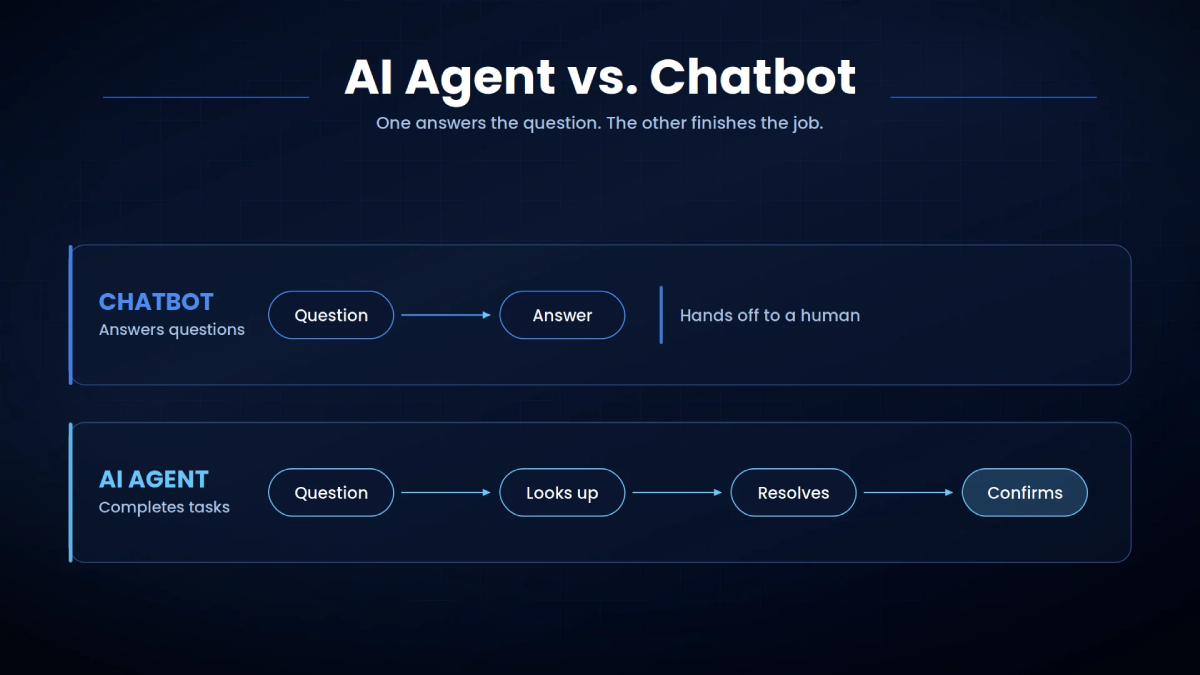
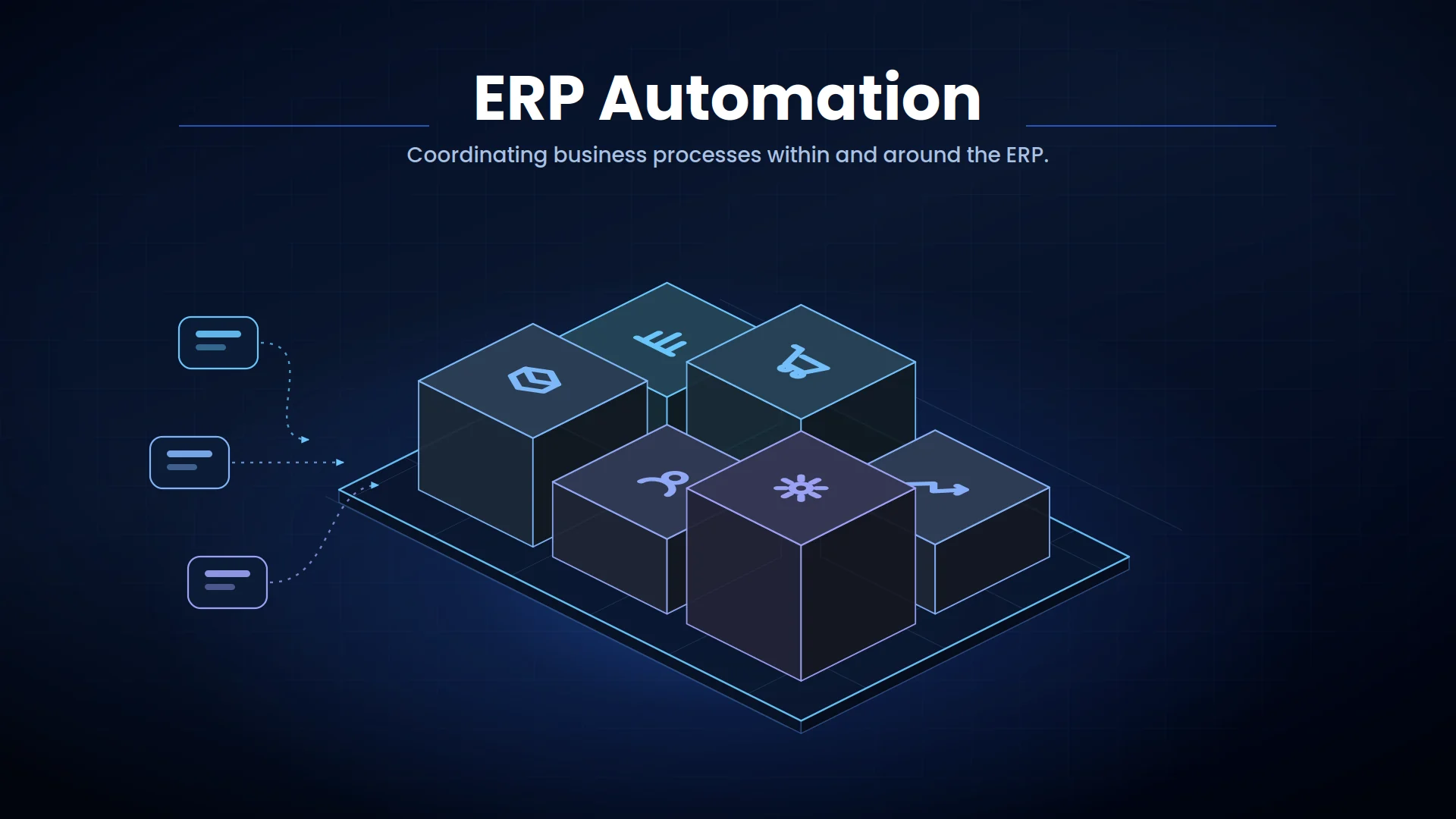
ERP automation connects data, business rules, artificial intelligence, and workflows so routine processes can move forward with less manual intervention. Exceptions and high-risk decisions remain available for employee review.
What Is ERP Automation?
It can automate:
- Data entry and record updates
- Document processing
- Approval routing
- Purchase order creation
- Invoice matching
- Inventory notifications
- Order management
- Financial reconciliation
- Reporting and forecasting
- Employee administration
How ERP Automation Works
Native ERP Workflows
APIs and Integration Middleware
Integration middleware coordinates these connections, transforms data formats, and monitors whether transactions are completed successfully.
Robotic Process Automation
RPA can be useful as an interim solution, although API-based integrations are generally more reliable and scalable.
Document AI
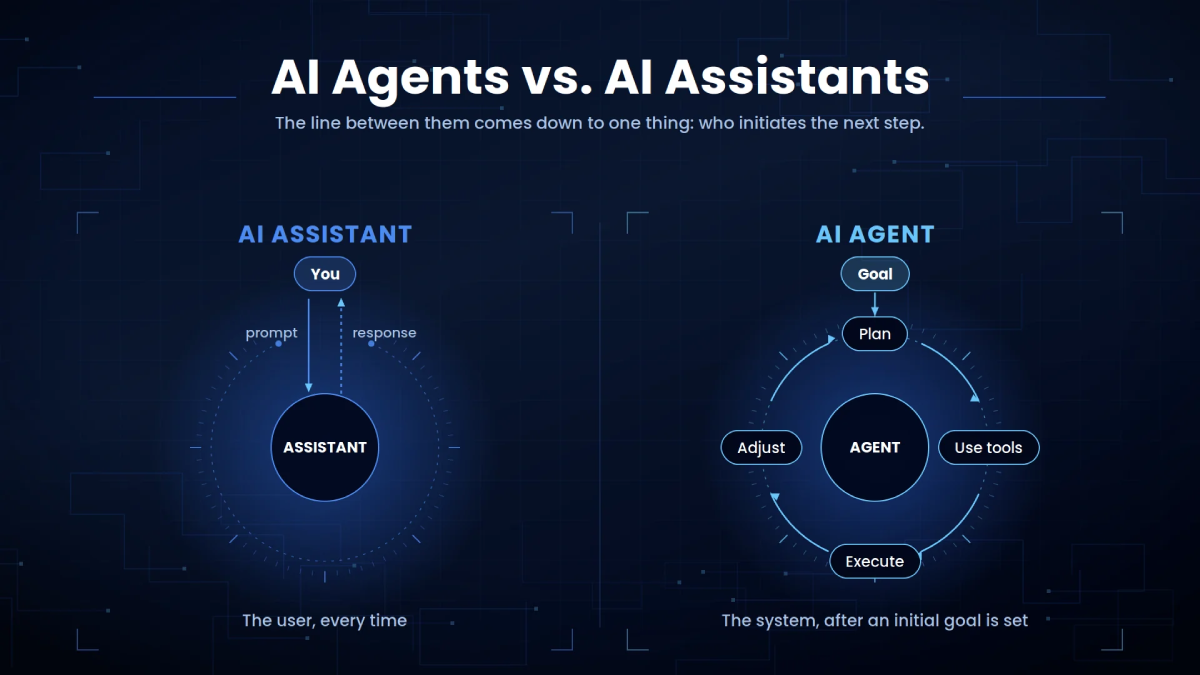
AI Agents and Machine Learning
Access controls and human approvals remain essential when AI can create or modify ERP transactions.
ERP Automation Use Cases by Business Function
Finance and Accounting
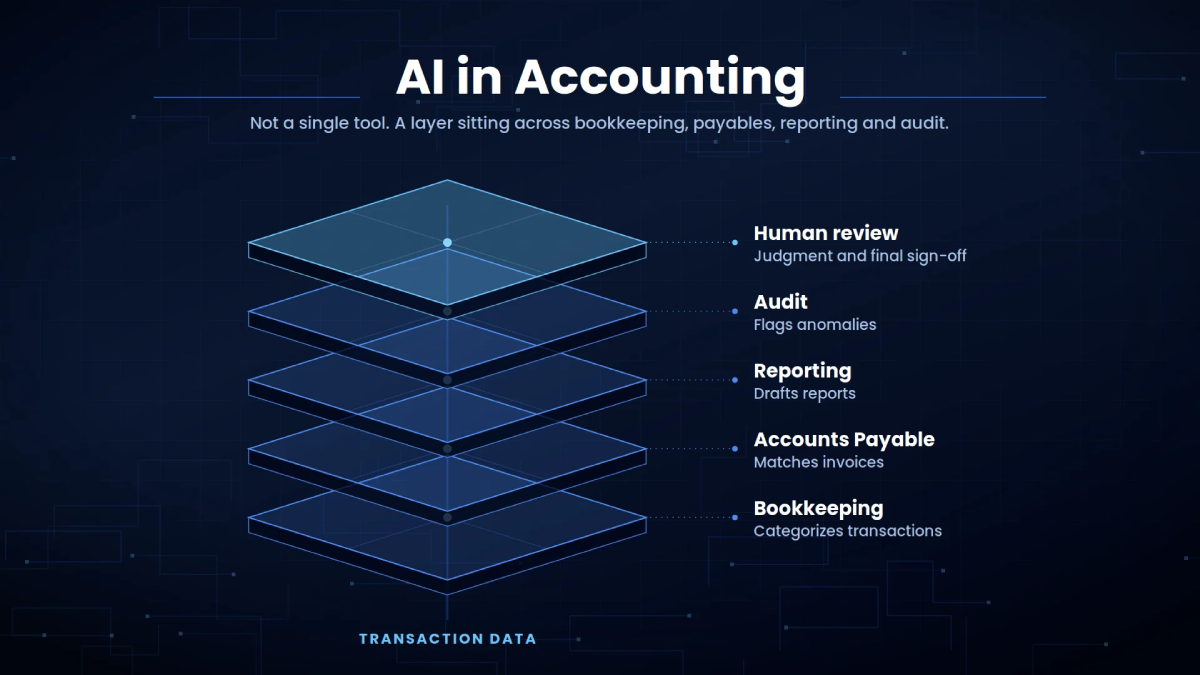
AI can identify unusual transactions or reconciliation differences. Employees then investigate the flagged cases rather than reviewing every entry manually.
Business impact: Faster close cycles, fewer entry errors, improved compliance, and better financial visibility.
Procurement and Accounts Payable
Invoice automation can extract data, perform purchase-order matching, identify duplicates, and route exceptions before posting approved invoices.
Business impact: Shorter purchase-to-pay cycles, stronger spending control, and fewer incorrect payments.
Inventory Management
The system can generate replenishment recommendations or requests when inventory reaches defined thresholds. High-value orders can remain subject to procurement approval.
Business impact: Fewer stockouts, reduced excess inventory, and improved working-capital management.
Sales and Order Management
Orders with insufficient inventory, unusual discounts, payment issues, or delivery conflicts can be escalated.
Business impact: Faster order processing and fewer fulfillment errors.
Manufacturing and Supply Chain
Machine-learning models can support demand forecasting and identify patterns related to production delays or equipment failure.
Business impact: Better production planning, reduced downtime, and stronger supply-chain resilience.
Human Resources
Sensitive employment decisions and payroll exceptions should remain under authorized human control.
Business impact: Less administrative work and more consistent employee records.
AI Integration With ERP Systems
For example, an AI assistant may answer a manager’s question about overdue customer balances by retrieving authorized ERP data. An AI agent may prepare a purchase request but require approval before creating a financial commitment.
Current platforms increasingly embed AI into ERP processes. Microsoft’s Dynamics 365 release guidance describes continued investment in financial automation, supply-chain intelligence, inventory workflows, planning, and AI-powered agents. SAP and Oracle are also incorporating AI assistants and agents into enterprise application workflows.
An effective AI integration architecture should include:
- Role-based identity and access
- Approved data sources
- Secure APIs
- Validation rules
- Human approval thresholds
- Complete audit logs
- Model and workflow monitoring
- Recovery procedures
Benefits of Automated ERP Workflows
Reduced Manual Work
Better Data Accuracy
Faster Business Processes
Stronger Operational Visibility
Improved Compliance
Best Practices for ERP Process Automation
Use native ERP functionality when it meets the requirement. Introduce external platforms or custom development when the workflow crosses several systems or requires specialized AI capabilities. For workflows spanning multiple departments, enterprise process automation provides a broader framework for coordinating systems, approvals, and ownership.
Avoid automating poor-quality processes. Remove unnecessary steps and standardize master data before implementation.
Separate low-risk automation from consequential actions. Changes to supplier bank details, large payments, major inventory commitments, and sensitive employee records should require appropriate authorization.
Test the complete workflow with normal, missing, duplicated, and incorrect data. Monitor performance after launch and review controls when processes or regulations change.
ERP Automation KPIs
- Processing time
- Manual touchpoints
- Automated completion rate
- Error and exception rates
- Approval turnaround time
- Cost per transaction
- Order accuracy
- Inventory turnover
- Financial close duration
- User adoption
Conclusion
Organizations should begin with high-impact processes, prove measurable value, and expand through reusable integrations and governance standards.
Build Intelligent ERP Workflows With Arcitech
Arcitech’s AI automation services help businesses automate finance, procurement, inventory, order management, and administrative processes.
Our AI integration services connect AI solutions with ERP platforms, business applications, APIs, documents, and approval workflows.
Talk to Arcitech about developing secure ERP automation around your systems, processes, and business goals.
Frequently Asked Questions About ERP Automation
1. What is ERP automation?
ERP automation uses workflows, integrations, and AI to perform repetitive tasks and coordinate enterprise processes with less manual intervention.
2. Which ERP processes can be automated?
Finance, procurement, invoicing, inventory, order management, manufacturing, reporting, HR, and approval processes can be automated.
3. How does AI improve ERP automation?
AI can interpret documents, detect anomalies, forecast demand, answer data questions, recommend actions, and support cross-system workflows.
4. Can legacy ERP systems support automation?
Yes. Legacy systems can connect through APIs, middleware, database integrations, file transfers, or robotic process automation.
5. How is ERP automation success measured?
Check out our Social Media