Accounts Receivable Automation: Collections, Cash Application and ERP Integration
- Arcitech
- 10th October 2026
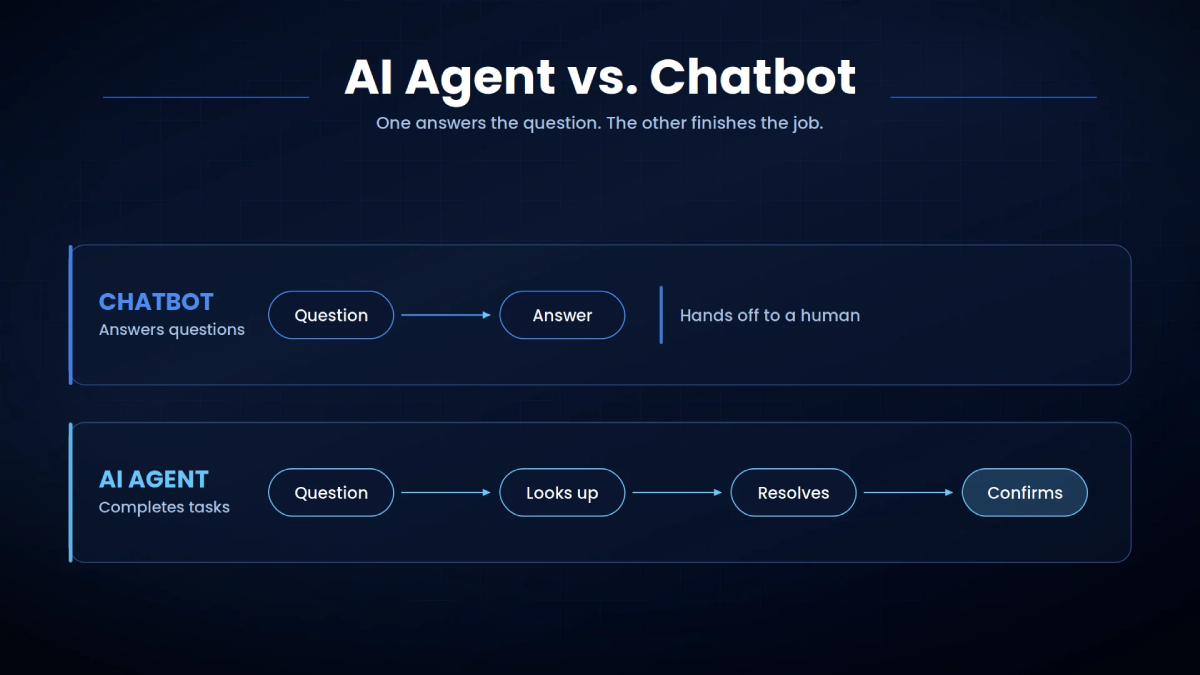
Accounts receivable automation connects invoicing, collections, payment matching and ERP updates to reduce these manual handoffs. Its value depends on solving the actual bottleneck, whether that is inconsistent follow-ups, unresolved disputes or payments waiting to be applied.
For finance teams, the starting point is understanding why invoices remain open and what needs to happen next.
What Is Accounts Receivable Automation
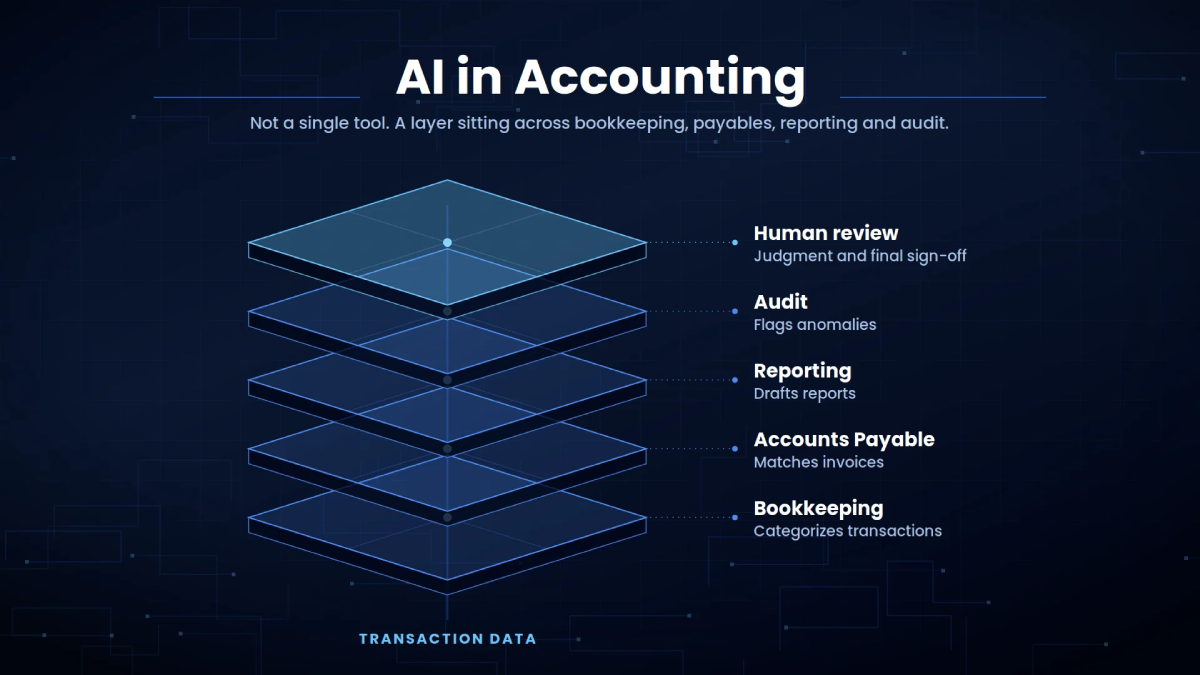
It can support invoice delivery, payment reminders, collector assignments, dispute tracking and receipt application. Straightforward tasks can follow predefined rules, while ambiguous transactions move to an employee for review.
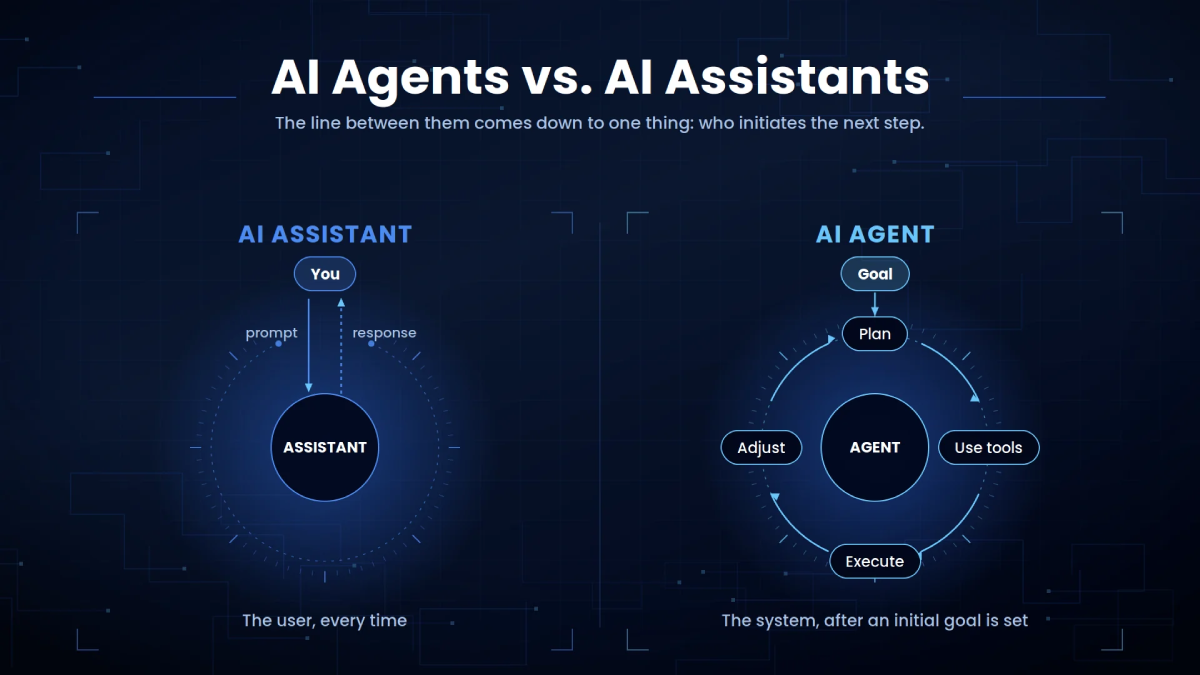
Automation does not require AI at every stage. An exact invoice-reference match may need only a rule. Interpreting an unfamiliar remittance document may benefit from AI-assisted extraction.
The objective is a reliable workflow with clear ownership when something goes wrong.
Diagnose the Problem Before Automating
An overdue balance can have several causes. The customer may not have received the invoice, may be disputing a charge or may already have paid without providing a usable reference.
Each problem needs a different response.
| Receivables problem | Appropriate starting point |
|---|---|
| Invoices reach the wrong contact | Validate billing details and track delivery |
| Follow-ups happen inconsistently | Schedule reminders and assign ownership |
| Received payments remain unmatched | Improve remittance capture and receipt matching |
| Disputes stay unresolved | Introduce routing, deadlines and escalation |
| Collection records show outdated balances | Fix ERP synchronisation and monitoring |
Automated Invoicing and Collections
Validate customer details, payment terms, purchase order references and submission requirements. If a buyer requires invoices through a procurement portal, emailing a PDF may leave the invoice outside its approval process.
Once delivered, reminders should reflect the account’s current status.
A basic sequence might include a pre-due reminder, an overdue notice and a collector task. However, disputed invoices, partial payments and promises to pay need separate handling.
Microsoft’s Dynamics 365 documentation shows how collection status affects automation, including how disputed invoices can return to the process after their status changes. Exact behaviour depends on configuration.
Before enabling reminders, define who can pause them, how payment updates suppress unnecessary messages and when personal follow-up becomes appropriate.
The number of messages sent is less useful than whether each message helps resolve the outstanding balance.
Cash Application Automation
This becomes difficult when one receipt covers several invoices, references are missing or customers deduct amounts without explaining them in the payment record.
Cash application automation combines receipt data, remittance information and approved matching rules. It should check the customer, legal entity, currency, invoice references and amounts before proposing or posting an application.
Oracle Receivables, for example, uses receipt-matching and AutoCash rules. Amounts that cannot be applied under those rules can remain unapplied or on-account, depending on configuration.
Example of a payment with a deduction
The workflow should identify the invoices, propose the payment allocation and route the deduction for review. It should not silently write off the difference.
Where remittance details arrive in PDFs or scans, intelligent document processing can support extraction. Those extracted values still need validation against transaction records.
ERP Integration Keeps Records Aligned
An ERP automation approach should define which system owns each record, how updates move between systems and what happens when a transfer fails.
For receivables, integration requirements include:
- Consistent customer and invoice identifiers.
- Correct mapping of currencies and legal entities.
- Duplicate protection when requests are retried.
- Confirmation that transactions posted successfully.
- Reconciliation checks for missing or incomplete transfers.
Without these controls, a faster collections workflow may simply act on outdated information more frequently.
Implement in Stages and Measure Results
Choose a limited pilot, such as one customer group or payment channel. Define matching tolerances, approval responsibilities and exception handling before launch.
Test partial payments, credit notes, duplicate files, missing references and integration failures. For automated matching, compare proposed applications with finance-approved results before allowing automatic posting.
Track a balanced set of KPIs:
| KPI | What it reveals |
|---|---|
| Days sales outstanding | Overall collection performance, alongside terms and sales mix |
| Unapplied cash value and age | How much received money remains unassigned |
| Automatic application rate | How many receipts avoid manual processing |
| Application correction rate | Whether automated matches require reversal or correction |
| Dispute resolution time | How quickly billing issues reach resolution |
Make the Process More Dependable
Start with one measurable problem, retain clear financial controls and expand when the workflow proves dependable.
Arcitech’s published AI automation services cover finance workflows and enterprise integration planning. A relevant starting discussion is identifying manual handoffs and defining a controlled pilot.
Automate Your Accounts Receivable Processes
Streamline collections, simplify cash application, and connect your financial workflows with ERP systems through intelligent automation.
Frequently Asked Questions
1. Does accounts receivable automation require AI?
No. Scheduled reminders, exact-reference matching and approval routing can follow rules. AI may help interpret variable documents or customer messages.
2. Can AR automation software work with an existing ERP?
Yes, where supported interfaces or controlled file exchanges provide the necessary data and posting functions. Compatibility depends on the ERP version and configuration.
3. Can cash application automation handle partial payments?
It can apply payments using verified remittance details and approved policies, while keeping remaining balances and unexplained deductions visible for review.
4. Will accounts receivable automation eliminate late payments?
No. It can reduce administrative delays and improve follow-up consistency. Customer liquidity problems, commercial disputes and agreed payment terms still affect collection timing.
Check out our Social Media