
Intelligent Document Processing: How AI Automates Business Documents
- Arcitech
- 26th September 2026
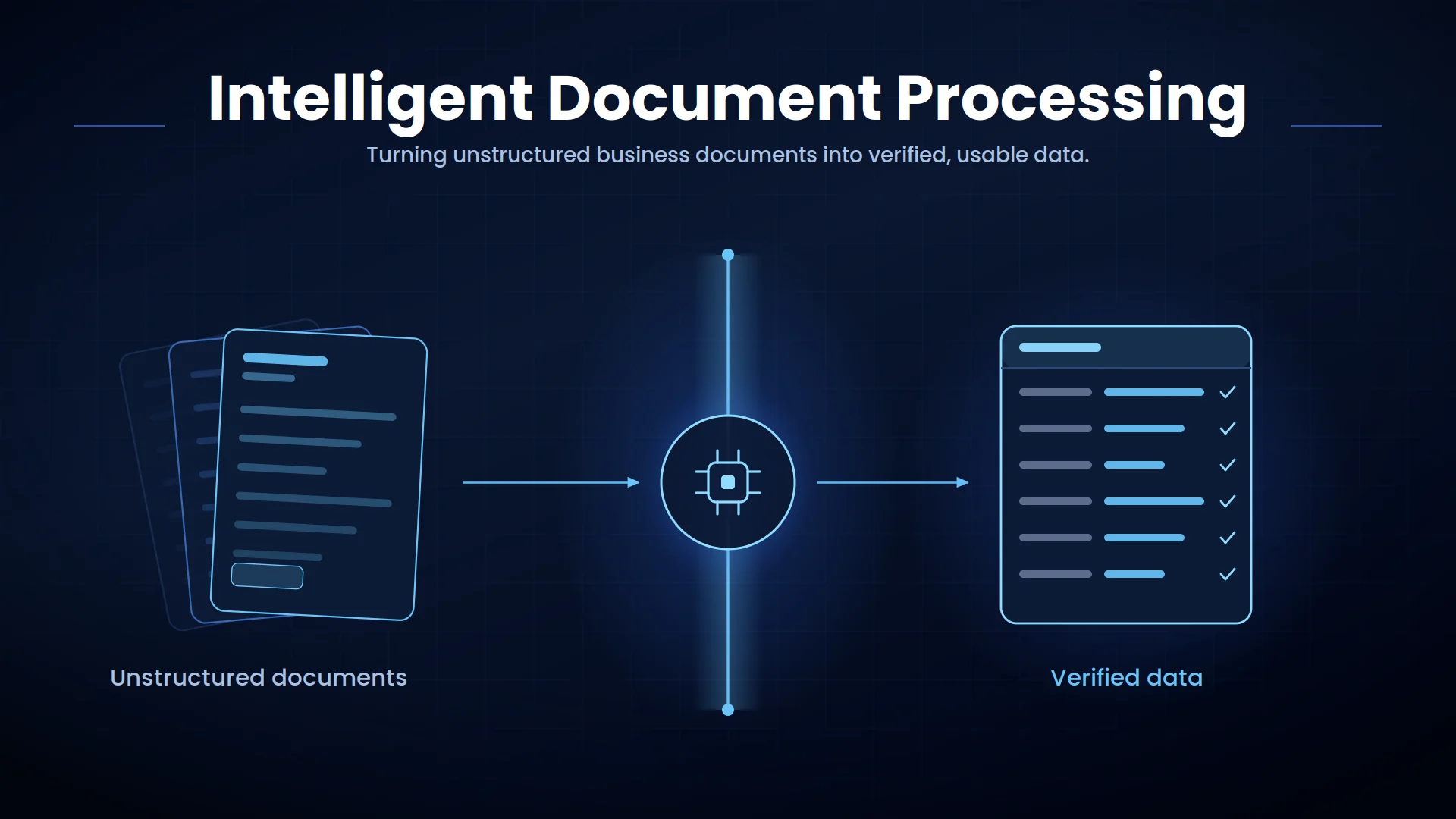
Employees must often read each document, locate relevant details, enter data into another system, and verify its accuracy. This manual process is slow, expensive, and vulnerable to human error.
Intelligent document processing changes this model. By combining artificial intelligence, optical character recognition, natural language processing, and workflow automation, businesses can convert unstructured documents into verified data and trigger the appropriate next action.
How Intelligent Document Processing Works
1. Document Capture
The system creates a centralized intake process, reducing the need for employees to download, rename, and manually organize files.
2. Document Classification
Correct classification ensures that each document follows the appropriate extraction and approval workflow.
3. Data Extraction
For example, an invoice-processing system may extract the vendor name, invoice number, date, line items, tax amount, payment details, and total value.
4. Data Validation
Missing fields, mismatched totals, duplicate records, and unusual values can be flagged automatically.
5. Human Review
This human-in-the-loop approach allows routine documents to remain automated while protecting important decisions.
6. Workflow Integration
The IDP workflow can then trigger approvals, create records, send notifications, schedule payments, or initiate another business process.
Technologies Behind Modern Document AI
Optical Character Recognition
Computer Vision
Natural Language Processing
Machine Learning
Large Language Models
Leading platforms now combine prebuilt extraction models with generative AI capabilities. Microsoft’s Azure AI Document Intelligence, Google Cloud Document AI, and AWS intelligent document processing guidance demonstrate how document understanding is becoming part of broader enterprise AI workflows.
Key Business Benefits of IDP Automation
Faster Processing
Lower Operational Costs
Better Data Accuracy
Improved Compliance
Greater Scalability
Real-World Intelligent Document Processing Use Cases
Accounts Payable Automation
Contract Processing
Insurance Claims
Customer Onboarding
Logistics and Supply Chain
Best Practices for Implementing Intelligent Document Processing
Establish a baseline for processing time, cost per document, accuracy, exception rate, and backlog before implementation. These measurements will help demonstrate the value of automation.
Use confidence thresholds to separate documents that can proceed automatically from those requiring employee review. Integrate the solution with existing systems so extracted data leads to a completed business action rather than creating another disconnected database.
Organizations should also apply encryption, role-based access, retention controls, audit logging, and continuous accuracy monitoring. Document AI must be managed as part of the enterprise data environment, particularly when documents contain financial, personal, medical, or confidential information.
Conclusion
Successful IDP automation depends on more than extraction accuracy. Businesses need validation rules, human-review paths, secure integrations, and measurable operational goals.
Automate Document-Heavy Workflows With Arcitech
Arcitech develops custom document AI and intelligent automation solutions that connect with existing enterprise systems. From invoice processing and contract analysis to customer onboarding and claims automation, our team can help turn document-heavy processes into secure, scalable digital workflows.
Explore Arcitech’s AI automation services to identify and automate your highest-impact document processes.
Frequently Asked Questions About Intelligent Document Processing
1. What is intelligent document processing?
Intelligent document processing uses AI to classify documents, extract information, validate data, and automate related business workflows.
2. How is IDP different from OCR?
OCR converts images into text. IDP also understands document structure, extracts specific data, validates information, and initiates business actions.
3. What documents can IDP process?
IDP can process invoices, contracts, forms, receipts, claims, purchase orders, identity documents, bank statements, and many other structured or unstructured files.
4. Does intelligent document processing require human review?
Not every document requires review. Businesses can automatically process high-confidence cases and send uncertain, sensitive, or high-value cases to employees.
5. How is IDP performance measured?
Common KPIs include extraction accuracy, straight-through processing rate, exception rate, processing time, cost per document, error rate, and backlog reduction.
Check out our Social Media
Related Articles
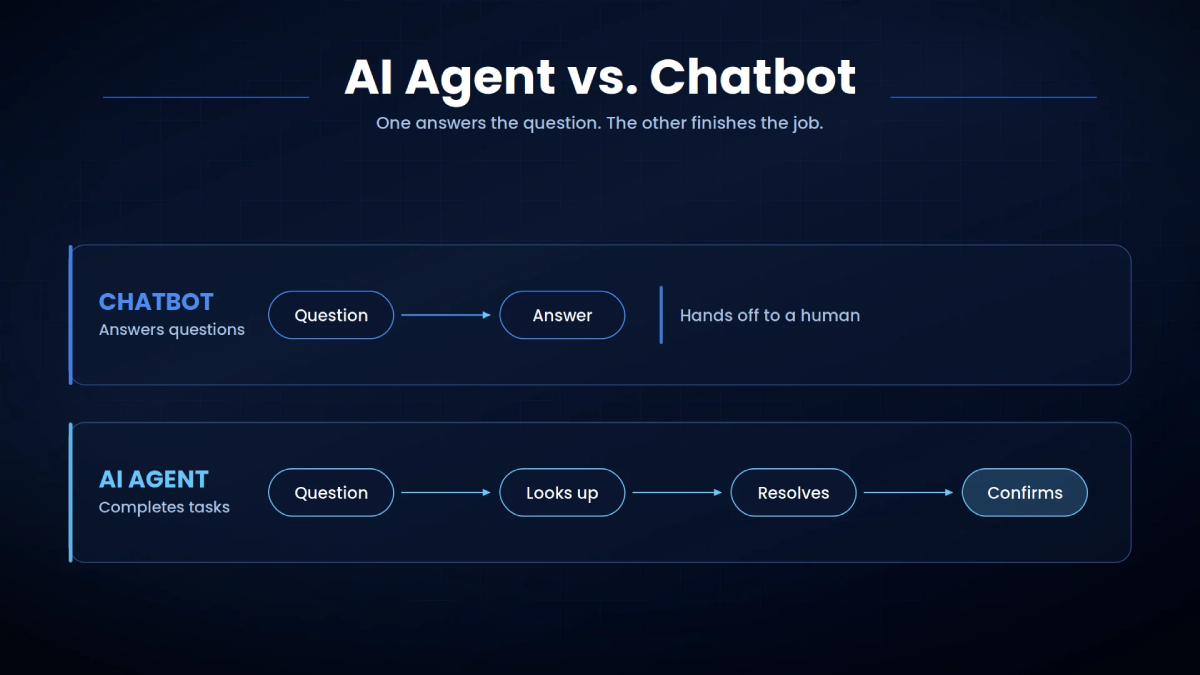
AI Agent vs. Chatbot: Key Differences Explained
September 04, 2026
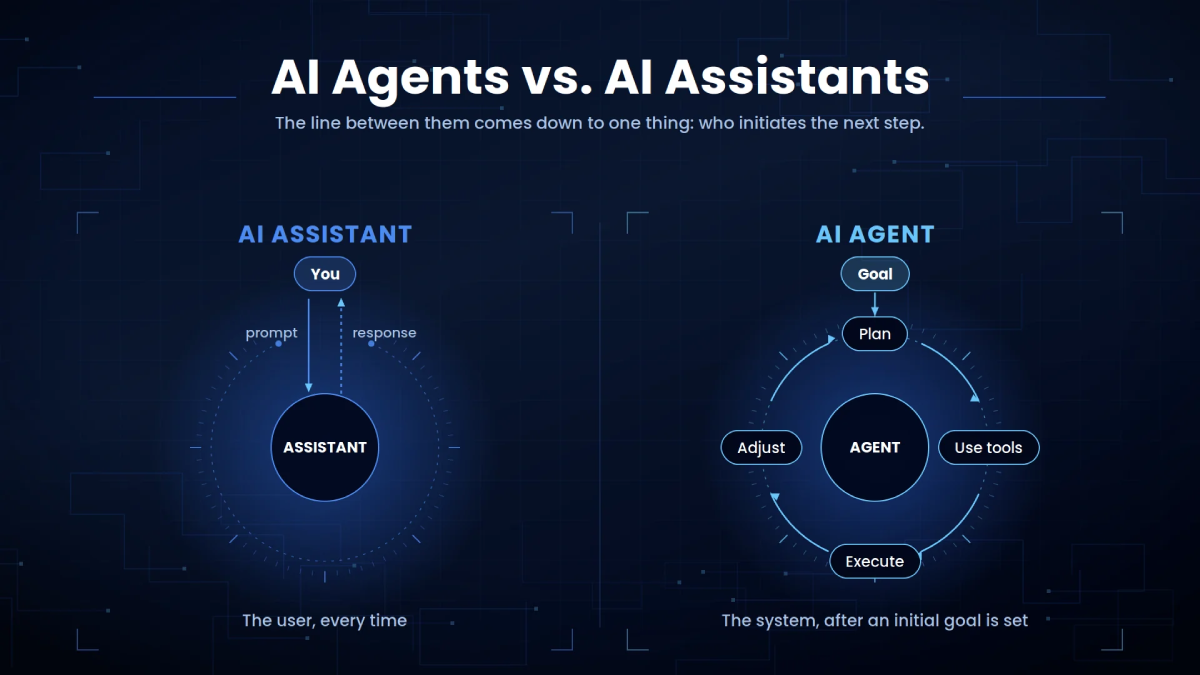
AI Agents vs. AI Assistants: How They Work and When to Use Each
September 05, 2026
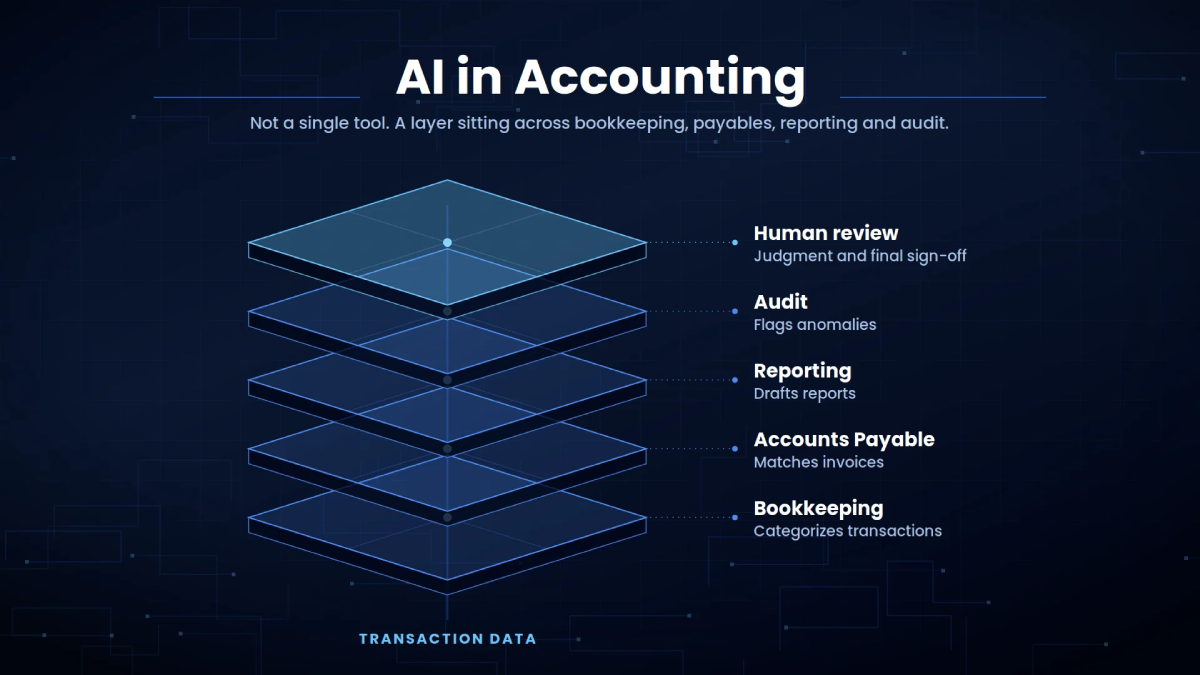
AI in Accounting: From Manual Processes to Intelligent Finance
September 06, 2026