No-Code AI Automation vs. Custom Development: Which Fits Your Workflow?
- Arcitech
- 23rd October 2026
A team connects a website form to its CRM, adds an AI classification step and automatically assigns new enquiries. The workflow saves time and takes little effort to maintain.
Then requirements change. Different business units need separate permissions, duplicate records appear and failed updates require someone to investigate several systems.
The original workflow may still be useful. The question is whether its design can support the new requirements.
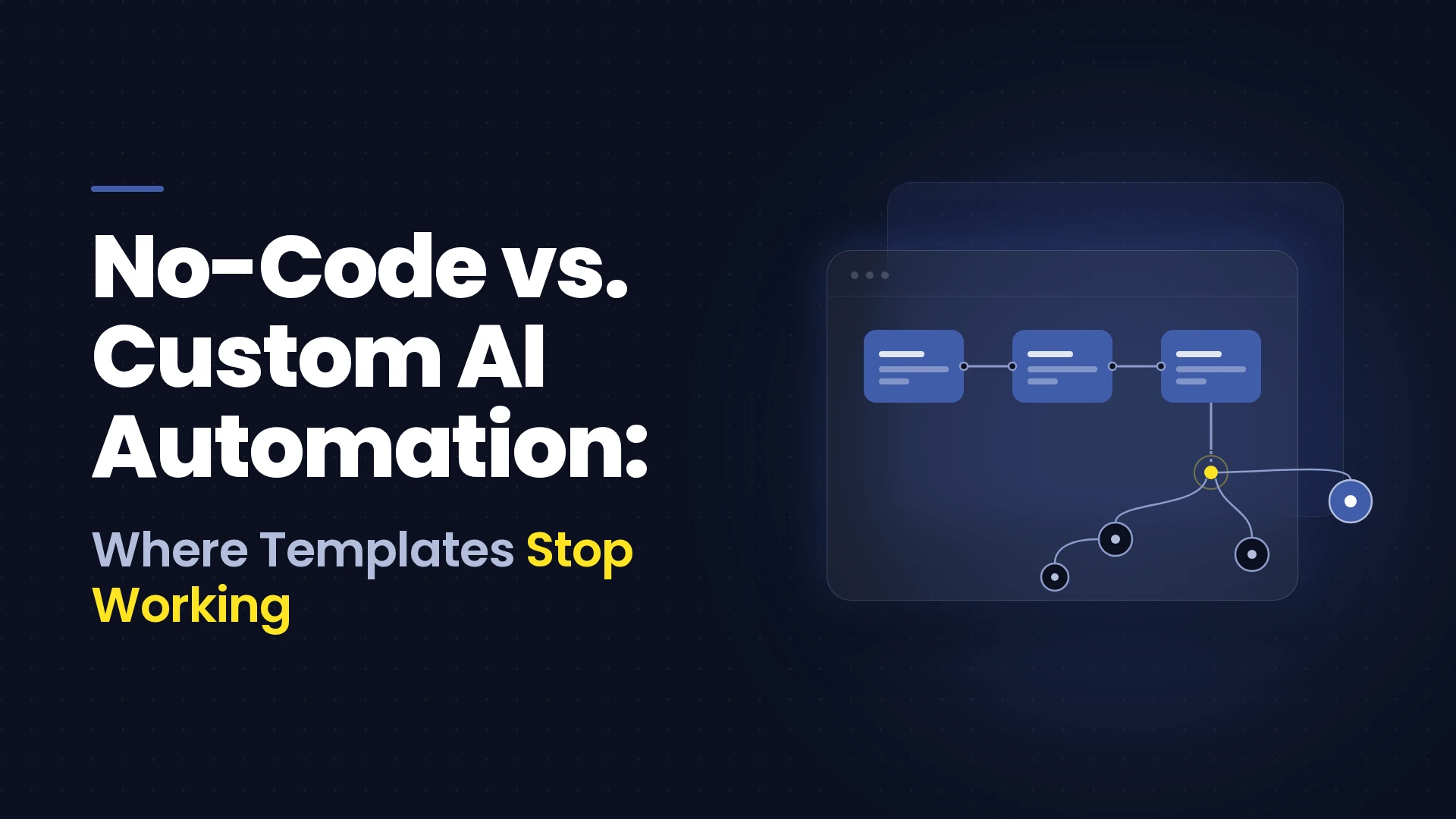
No-code AI automation uses visual tools and configured integrations to build AI-enabled workflows with limited coding. Custom automation gives developers more responsibility for how the workflow operates. A hybrid approach combines both. The right choice depends on the process, its consequences and the team that will maintain it.
The original workflow may still be useful. The question is whether its design can support the new requirements.
No-code AI automation uses visual tools and configured integrations to build AI-enabled workflows with limited coding. Custom automation gives developers more responsibility for how the workflow operates. A hybrid approach combines both. The right choice depends on the process, its consequences and the team that will maintain it.
What Is No Code AI Automation
No-code automation tools connect triggers, actions and conditions through a visual interface.
An AI step might classify an email, extract document fields or draft a response. Other steps retrieve records, route approvals and update applications.
“No-code” describes the building interface. It does not remove the need to understand data, permissions, exceptions and system behavior.
Some workflows also use custom connectors or code, making the boundary between no-code and custom development less rigid than it first appears.
An AI step might classify an email, extract document fields or draft a response. Other steps retrieve records, route approvals and update applications.
“No-code” describes the building interface. It does not remove the need to understand data, permissions, exceptions and system behavior.
Some workflows also use custom connectors or code, making the boundary between no-code and custom development less rigid than it first appears.
Diagnose the Workflow Before Choosing the Platform
Start with the business problem rather than a preferred tool.
Map the inputs, decisions, connected systems and expected outputs. Identify what happens when information is missing or a service becomes unavailable.
Ask:
Map the inputs, decisions, connected systems and expected outputs. Identify what happens when information is missing or a service becomes unavailable.
Ask:
- How often does the workflow run, including peak periods?
- Which actions can affect customers, money or sensitive records?
- How many exceptions require human judgment?
- Who will investigate failures and approve changes?
- What evidence must remain available after execution?
When No Code Automation Tools Fit
Standard Integrations Cover the Required Actions
No-code can be a practical starting point when supported connectors provide the exact operations the workflow needs.
Check more than the application’s name in a connector catalogue. Confirm the available fields, authentication options, triggers and write actions.
A connector that creates contacts may not support the ownership rules or custom objects your process requires.
Check more than the application’s name in a connector catalogue. Confirm the available fields, authentication options, triggers and write actions.
A connector that creates contacts may not support the ownership rules or custom objects your process requires.
The Process Has Clear Boundaries
A defined workflow with predictable inputs is easier to configure and test.
For example, an internal request could be categorized, assigned to a team and acknowledged using an approved template. Uncertain classifications can move to a review queue.
This limits the consequence of an incorrect AI output.
This limits the consequence of an incorrect AI output.
The Team Can Own Routine Changes
Visual tools can make supported changes accessible to trained business users.
That advantage depends on governance: named owners, documented rules, controlled credentials and testing before changes reach production.
A workflow built by one employee becomes a liability if nobody else understands it.
That advantage depends on governance: named owners, documented rules, controlled credentials and testing before changes reach production.
A workflow built by one employee becomes a liability if nobody else understands it.
Where Templates Stop Being Enough
Exceptions Outgrow the Original Design
Templates demonstrate a common path. Your production process may include partial updates, duplicate events, delayed responses and conflicting records.
Consider a hypothetical order workflow that updates a CRM successfully but fails to create the corresponding ERP record.
The next step is not necessarily to restart everything. The system needs to recognize completed actions and recover without creating duplicates. Assess whether the platform supports the required recovery behavior before adding more branches.
Consider a hypothetical order workflow that updates a CRM successfully but fails to create the corresponding ERP record.
The next step is not necessarily to restart everything. The system needs to recognize completed actions and recover without creating duplicates. Assess whether the platform supports the required recovery behavior before adding more branches.
Platform and Service Limits Affect Delivery
High volume does not automatically require custom development. It does require capacity testing.
Microsoft documents request allocations and connector-specific throttling as separate constraints. Additional platform capacity does not necessarily remove a connected service’s limits.
Test peak demand, large inputs and delayed responses. Custom software also remains subject to external API limits.
Microsoft documents request allocations and connector-specific throttling as separate constraints. Additional platform capacity does not necessarily remove a connected service’s limits.
Test peak demand, large inputs and delayed responses. Custom software also remains subject to external API limits.
Access and Approval Requirements Become More Specific
Some workflows need separate client environments, restricted records or multiple approval authorities.
Verify whether the chosen product and plan support those requirements. Do not assume either no-code or custom development is inherently secure.
Custom development offers more design freedom, while also creating responsibility for implementing and maintaining the controls.
Verify whether the chosen product and plan support those requirements. Do not assume either no-code or custom development is inherently secure.
Custom development offers more design freedom, while also creating responsibility for implementing and maintaining the controls.
AI Behaviour Needs More Detailed Evaluation
A successful demonstration does not establish dependable classification or generation.
Test representative inputs, ambiguous cases and outputs that could trigger inappropriate actions. Keep model recommendations separate from authorisation.
Use human-in-the-loop AI where uncertainty or consequences justify review.
Test representative inputs, ambiguous cases and outputs that could trigger inappropriate actions. Keep model recommendations separate from authorisation.
Use human-in-the-loop AI where uncertainty or consequences justify review.
Custom AI Automation vs No Code
| Decision factor | No-code approach | Custom approach |
|---|---|---|
| Initial delivery | Can be faster with suitable connectors | Requires engineering and deployment work |
| Workflow flexibility | Depends on supported features and extensions | Greater freedom to implement specific behaviour |
| Integration | Uses connectors, APIs and available extensions | Can implement bespoke interfaces where access exists |
| Maintenance | Includes platform changes and workflow upkeep | Includes code, infrastructure and dependency upkeep |
| Costs | Licences, execution usage and support | Development, hosting, monitoring and support |
| Portability | Depends on export and platform capabilities | Depends on architecture and external dependencies |
Consider a Hybrid Architecture
A hybrid approach can retain visual task routing while using a custom service for specialised validation, data transformation or AI evaluation.
For example, a no-code workflow could receive a document and manage approvals, while a custom component validates extracted information against business records.
The tradeoff is additional interfaces to maintain. Define which component owns each decision, how errors return and who supports the complete process.
A broader ERP automation approach can help identify these connections across operational systems.
For example, a no-code workflow could receive a document and manage approvals, while a custom component validates extracted information against business records.
The tradeoff is additional interfaces to maintain. Define which component owns each decision, how errors return and who supports the complete process.
A broader ERP automation approach can help identify these connections across operational systems.
Compare Costs and Prove the Choice
Estimate costs using realistic transaction volumes and exception rates.
Include execution charges, AI usage, licences, monitoring, human review and change requests. For custom development, include ongoing engineering and operational support.
Pilot representative cases and compare:
Define conditions for expanding or redesigning the workflow before the pilot ends.
Include execution charges, AI usage, licences, monitoring, human review and change requests. For custom development, include ongoing engineering and operational support.
Pilot representative cases and compare:
| KPI | What it reveals |
|---|---|
| Cost per correctly completed case | Total cost relative to useful output |
| Exception rate | How often manual intervention is needed |
| Recovery time | How quickly failures are resolved |
| Correction rate | Whether completed actions require rework |
| Change lead time | Effort required to update the process |
| End-to-end cycle time | Whether the business outcome improves |
Choose Around the Operating Requirement
No-code AI automation is a useful option when its capabilities match the process and the team can maintain it.
Custom development becomes relevant when specific requirements justify the additional ownership and cost. Hybrid designs can address selected gaps.
Arcitech’s published AI automation services cover process assessment, integration planning and deployment. An initial discussion can establish the workflow requirements before choosing an implementation approach.
Custom development becomes relevant when specific requirements justify the additional ownership and cost. Hybrid designs can address selected gaps.
Arcitech’s published AI automation services cover process assessment, integration planning and deployment. An initial discussion can establish the workflow requirements before choosing an implementation approach.
Build AI Automation That Fits Your Business
Connect your tools and streamline complex workflows with no-code, custom, or hybrid automation tailored to your operational needs.
Frequently Asked Questions
1. Can no-code AI automation support production workflows?
Yes, where the platform, configuration and operating controls meet the workflow’s requirements. Production suitability needs testing.
2. Is custom automation always more scalable?
No. Scalability depends on architecture, infrastructure, platform capacity and connected-service limits.
3. Should businesses replace working no-code workflows?
Only when evidence supports the change. Extending the existing design may address the gap with less disruption.
4. Does custom development eliminate vendor dependence?
No. Custom systems can still depend on cloud services, AI providers and third-party APIs. Assess those dependencies explicitly.
Check out our Social Media