Custom ERP Development: Signs You’ve Outgrown Off-the-Shelf Software
- Arcitech
- 10th November 2026
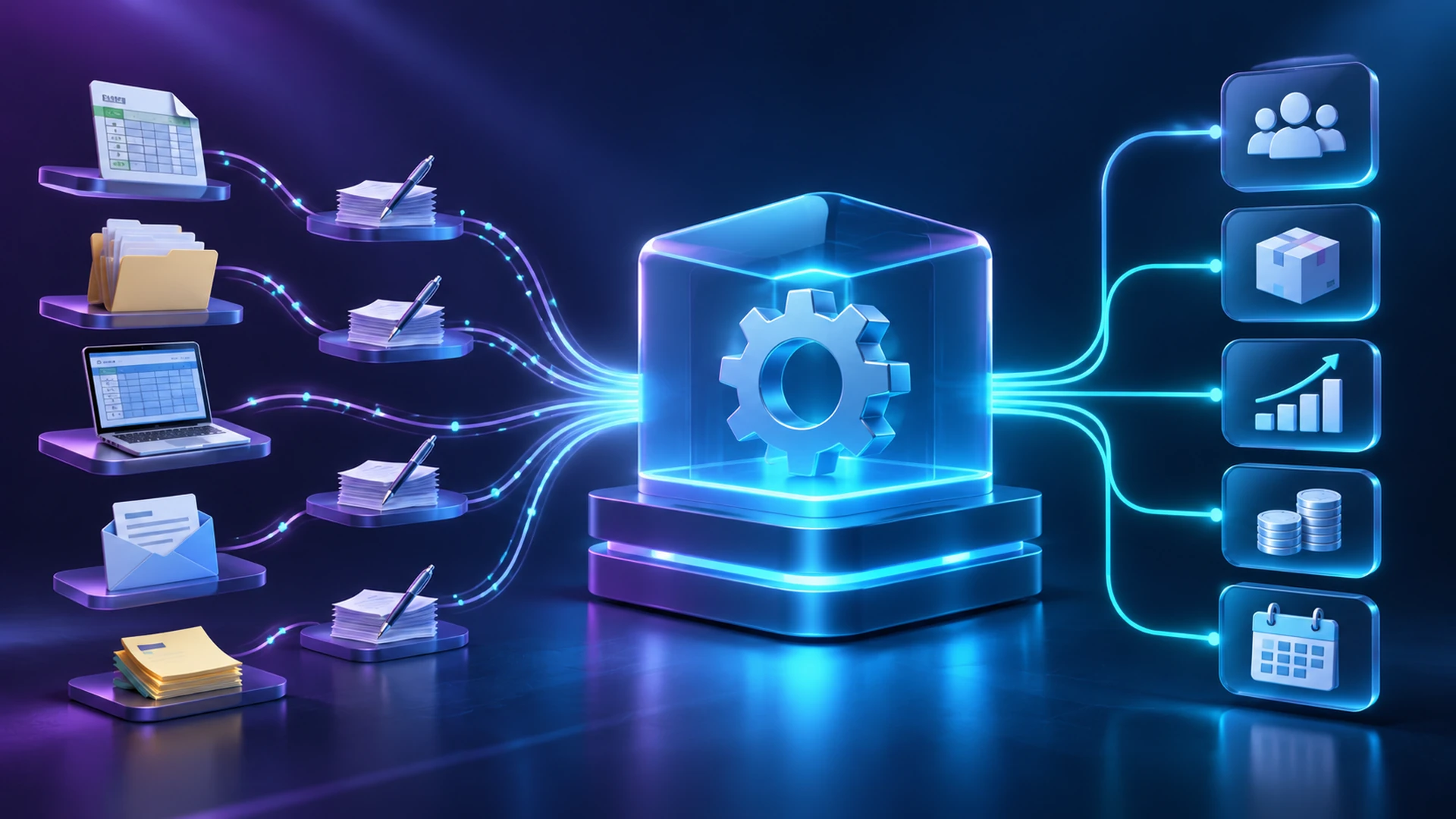
Before choosing a custom ERP development company, determine whether the real problem is platform fit, implementation quality, data quality, or unclear processes. A new system can reproduce existing problems if those causes remain unresolved.
Start by Separating Software Limits from Process Problems
Map the affected workflow with the people who perform it. Record exceptions, delays, corrections, and the systems involved. Check whether existing capabilities have been configured and adopted correctly.
Microsoft’s implementation guidance uses end-to-end business processes to structure design, testing, and ongoing support. That process-first approach is useful when diagnosing ERP needs, even if you are evaluating a different platform.
Six Signs Your ERP Needs a Different Approach
1. Critical Work Happens Outside the System
Measure how much work sits outside the platform and why. A missing workflow may justify an extension; inconsistent training or duplicate templates may need operational changes first.
2. Teams Re-enter the Same Transactions
Check available interfaces and existing ERP automation capabilities before replacing the core. If the bottleneck is a disconnected CRM, a reliable integration may solve it without custom-building finance or inventory management.
3. Essential Business Rules Cannot Be Represented
Document the rules and test them against supported configuration and extension options. Preserve genuinely valuable differences in your operating model; avoid custom-building inconsistent practices that could be simplified.
4. Growth Creates Control and Visibility Gaps
Investigate configuration, infrastructure, and reporting design before concluding the product cannot scale. Use evidence such as failed transactions, unresolved access gaps, and reconciliation effort rather than company size alone.
5. Modifications Make Upgrades Increasingly Difficult
Compare a supported extension strategy, selective replacement, and platform migration. A custom replacement still needs maintainable architecture, documentation, and an upgrade plan for its own dependencies.
6. The Lifecycle Economics No Longer Fit
Compare options over the same period, including retained internal effort and transition costs. Custom software does not remove hosting, support, security, or future development expenses. Ownership changes responsibility; it does not eliminate operating costs.
Should You Configure, Extend, Replace, or Build?
| Option | When it may fit | Main tradeoff |
|---|---|---|
| Configure the current ERP | Required capability already exists | Process adjustment and adoption work |
| Add supported integrations or modules | Gaps are concentrated in specific workflows | Additional dependencies and maintenance |
| Replace with another packaged ERP | Another platform fits most core requirements | Migration, training, and implementation effort |
| Build selected custom components | A distinctive workflow needs tailored behaviour | Engineering ownership and integration boundaries |
| Build a broader custom ERP | Essential requirements remain unmet across alternatives | Larger delivery and long-term support commitment |
How Should You Evaluate ERP Implementation Cost?
Require acceptance criteria for transactions, permissions, reporting, and recovery. Ask who approves exceptions and how operational continuity will be maintained during rollout.
Agree source code and documentation rights, support responsibilities, release procedures, and transition arrangements. Validate a difficult workflow or integration during discovery before committing to a wider programme.
Use Evidence to Choose Your Next Step
Arcitech’s custom software development services include tailored ERP modules across finance, inventory, supply chain, HR, and procurement. Share your workflows and existing systems to assess where configuration, integration, or custom development may fit.
Build an ERP Around Your Workflows
When your processes outgrow off-the-shelf tools, assess the root cause before choosing a solution. Explore an ERP approach shaped around your operations and systems.
Frequently Asked Questions
1. Do spreadsheets mean you need a custom ERP?
No. They may reveal a workflow gap, reporting issue, or adoption problem. Diagnose why they exist before choosing a solution.
2. Is custom ERP always better than packaged software?
No. Packaged systems can suit standard requirements well. Custom development needs a clear business justification and ongoing engineering ownership.
3. Can you build one module instead of replacing everything?
Yes, where integration and ownership boundaries are workable. Test how records, permissions, and failures will be handled across systems.
4. How much does ERP implementation cost?
It depends on scope, migration, integrations, rollout, and support. Request an itemised proposal that includes both transition and operating expenses.
5. How do you reduce migration risk?
Clean and map data, rehearse the transfer, reconcile results, and define cutover and recovery procedures with business owners.
6. Should AI be part of a custom ERP?
Check out our Social Media