Enterprise Mobile App Development: A Practical Guide
- Arcitech
- 7th November 2026
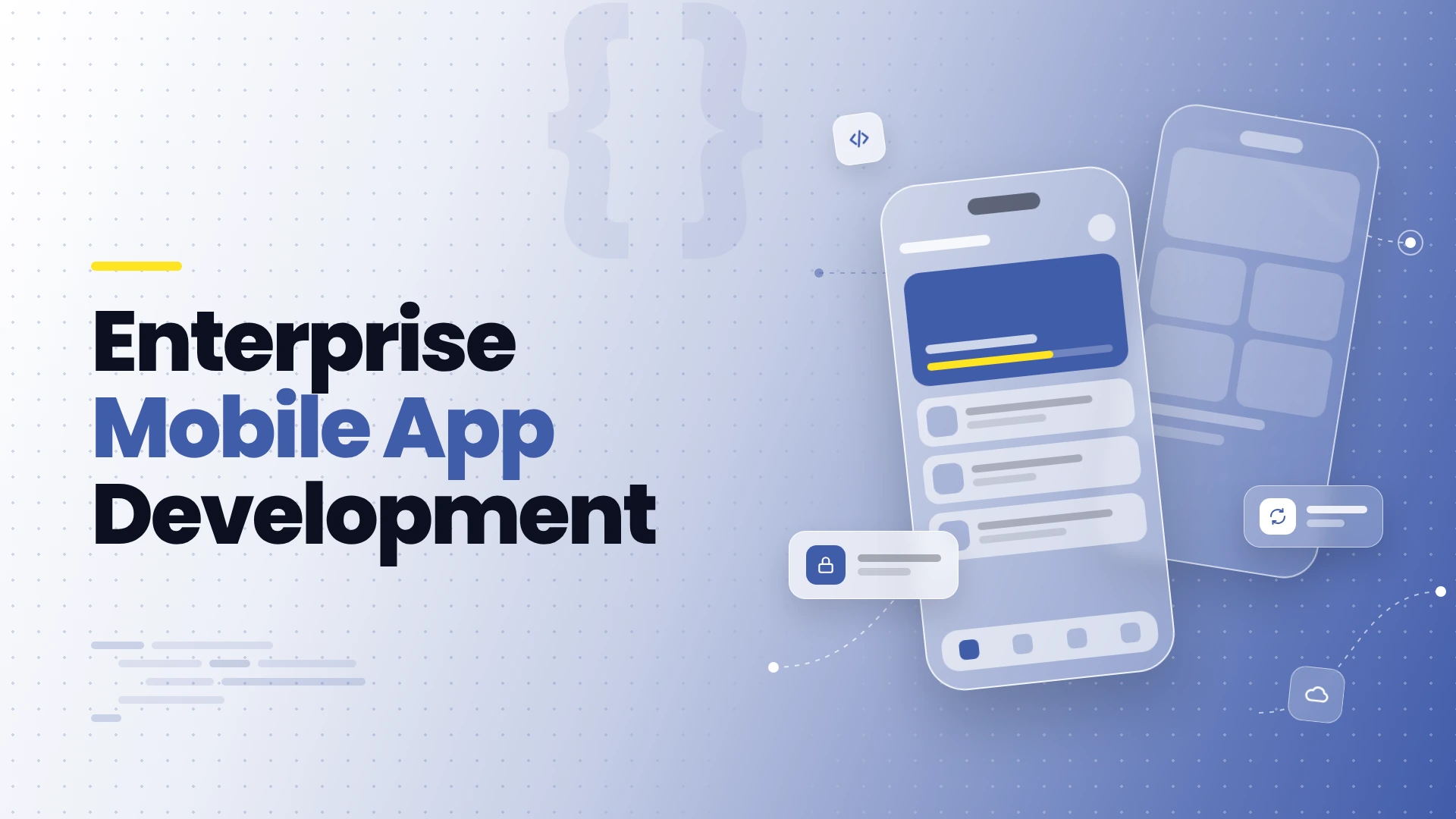
A successful enterprise app makes a business process easier to complete. It also handles unreliable connectivity, protects information on devices, and remains compatible with backend systems as both evolve.
Start with a Workflow and a Measurable Outcome
For example, a field-service app might let technicians retrieve assignments, record inspection results, and submit photographs. Success could mean fewer incomplete reports and less time re-entering information. This is an illustrative scenario, not an Arcitech case study.
Specify device types, accessibility needs, shared-device use, and connectivity conditions. Record requirements for response times, data freshness, recovery, and permissions. Those decisions influence architecture even when they are invisible in a prototype.
Choose Native, Cross-Platform, or Mobile Web Deliberately
| Approach | When to consider it | Tradeoff to validate |
|---|---|---|
| Native iOS or Android | Deep platform integration or demanding device-specific requirements | Separate platform engineering and release effort |
| Cross-platform app | Similar workflows across iOS and Android | Native modules, platform differences, and dependency maintenance |
| Responsive web app or PWA | Browser-based access and centralised deployment suit the task | Device capabilities and background behaviour vary by platform |
Design Integrations Before Expanding the Interface
A mobile application should use controlled interfaces rather than embed unrestricted backend credentials. Enforce permissions on the server; hiding a button in the app does not prevent an unauthorised request.
For older systems, assess legacy application modernization options before assuming that a new mobile interface requires a complete backend replacement.
Define what happens when an integration is slow or unavailable. Include timeouts, retry limits, duplicate-request protection, and reconciliation where an action may already have succeeded.
Plan Offline Work and Synchronisation Explicitly
Android’s offline-first architecture guidance discusses local and network data sources, queued work, and conflict handling. These principles help frame discovery, although implementation differs across platforms.
For a technician app, distinguish “saved on this device” from “received by the server.” Show pending and failed submissions clearly. Decide what happens if two people change the same record before synchronisation.
Limit locally stored sensitive information, define retention, and explain what remains usable when access expires. Offline access creates a deliberate balance between continuity and control.
What Security Controls Should an Enterprise App Include?
Translate requirements into controls and evidence:
- Use the organisation’s identity system where appropriate, with suitable session and access policies.
- Protect sensitive local data and use platform-supported secure storage for credentials or tokens.
- Validate authorisation for each protected backend operation.
- Review logs, analytics, and crash reporting for unintended sensitive-data exposure.
- Test account changes, session expiry, and lost-device scenarios.
- Review third-party libraries and maintain a process for security fixes.
What Does the Mobile App Development Process Look Like?
| Stage | Main deliverable |
|---|---|
| Discovery | Workflow, user needs, integration inventory, and acceptance criteria |
| Design and validation | Tested interaction prototype and technical risk assessment |
| Development | Reviewable app increments and working integrations |
| Verification | Device, security, accessibility, offline, and performance test results |
| Release | Distribution plan, support readiness, and staged rollout |
| Operation | Monitoring, updates, incident handling, and improvement backlog |
How Do You Build for Scale and Reliable Releases?
Test representative workloads end to end, including shared services and integrations. Measure latency, error rates, resource use, and recovery after interruptions. Choose architecture based on observed bottlenecks rather than assuming microservices are required.
Older app versions may remain installed after a release. Plan compatible APIs, migrations, and any minimum-version policy. Select distribution appropriate to your audience and platform rules.
Use staged rollout, monitoring, and tested backend rollback or mitigation procedures. Do not assume you can instantly downgrade every installed mobile app. Keep ownership of signing credentials, release accounts, and support responsibilities clear.
Build Around the Process Your Business Needs
Arcitech’s mobile app development services cover iOS, Android, and cross-platform applications, from concept through deployment and ongoing development. Discuss your users, systems, and operating conditions to define an appropriate delivery roadmap.
Build a Mobile App for Your Business
Create secure mobile experiences that support your teams, customers, and existing business systems.
Frequently Asked Questions
1. How is enterprise mobile development different from consumer app development?
Enterprise projects often emphasise business integrations, permissions, managed distribution, and operational workflows. Consumer apps may share these requirements; the distinction is not absolute.
2. Does every enterprise app need offline access?
No. Define which tasks must continue without connectivity. Offline writes and synchronisation add complexity that should serve a real requirement.
3. Is cross-platform development always cheaper?
No. Shared code can reduce some work, but device integrations, platform differences, testing, and maintenance affect the total cost.
4. How much does an enterprise mobile app cost?
Cost depends on workflows, platforms, integrations, security, testing, and support. Request a scoped estimate that separates development from operating expenses.
5. How long does development take?
There is no universal timeline. Validate integration and device risks during discovery, then estimate a defined release with explicit dependencies.
6. What should you measure after launch?
Track successful workflow completion, adoption among intended users, crashes, integration errors, synchronisation failures, and support demand against agreed baselines.
Check out our Social Media