Managed IT Services for Small Business: What You Actually Get
- Arcitech
- 2nd November 2026
The important detail is the scope. A monthly fee does not automatically cover every device, application, incident, or project. Before comparing providers, understand what they manage, when they respond, and what costs extra.
What Does a Managed IT Provider Actually Do?
For a small professional services firm, that might mean helping employees with email problems, maintaining laptops, administering accounts, monitoring infrastructure, and checking backups. The contract determines which activities apply.
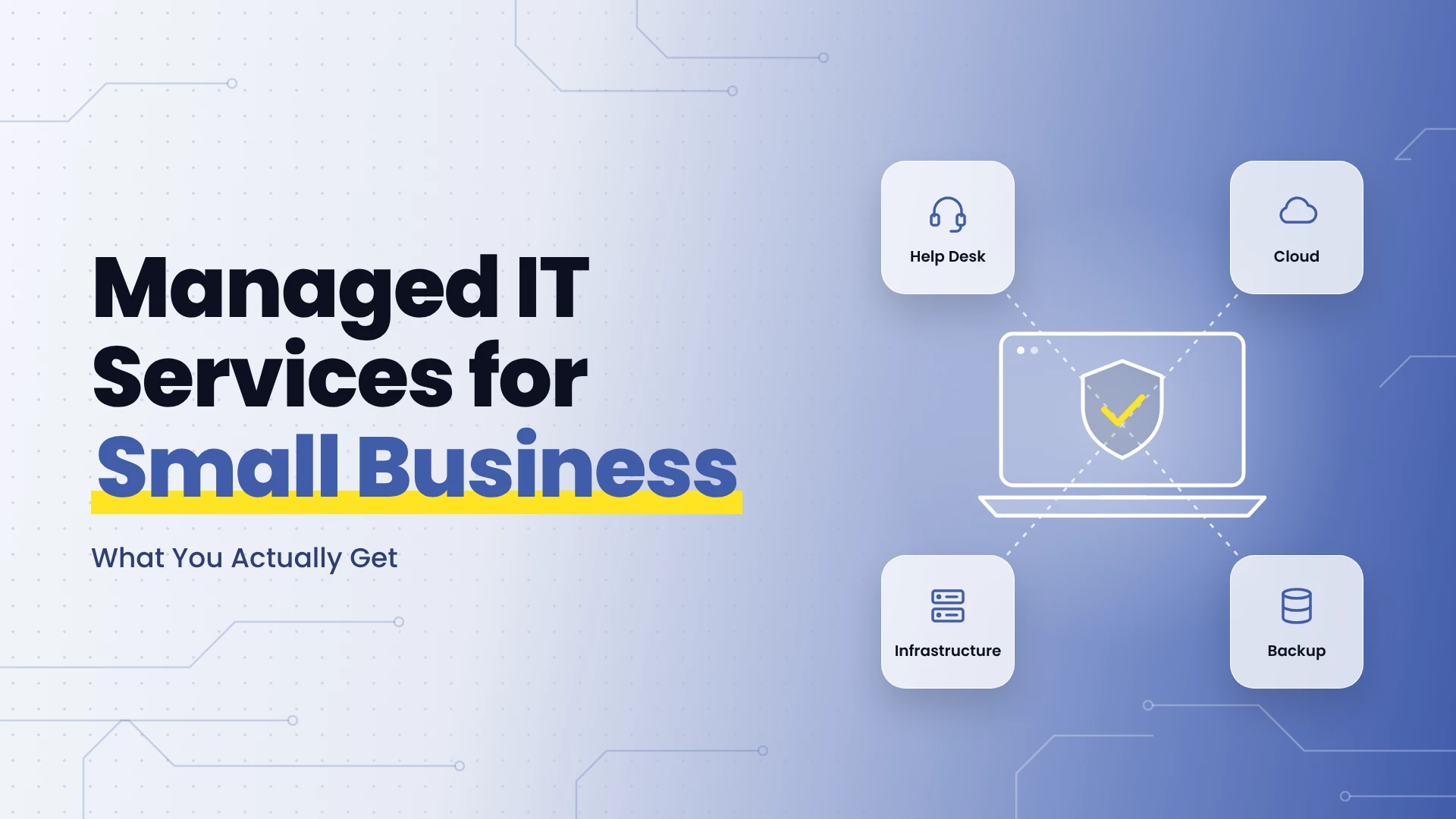
Arcitech’s managed IT support services cover infrastructure, cloud operations, security, backup and disaster recovery, and ongoing maintenance. Ask for a proposal that specifies the services appropriate to your environment rather than assuming every capability is included in one package.
What Is Typically Included in Managed IT Services?
Employee Help Desk Support
Check support hours, contact channels, covered applications, and escalation procedures. A response target describes when someone acknowledges or begins handling an issue; it does not necessarily promise a resolution within that period.
Device Maintenance and Monitoring
Continuous monitoring does not necessarily mean engineers will resolve every alert outside business hours. Confirm the human response arrangements separately.
Account and Access Administration
Your business should authorise access changes. Define who submits requests, which approvals are required, and how quickly departing employees lose access.
Security Administration
Ask what happens after a suspicious login or malware alert: who investigates, who can isolate a device, and who communicates with your business? Security software alone does not answer those questions.
Backup and Recovery Management
A successful backup job does not prove that an application can be restored within your required timeframe. Agree how recovery will be tested and documented.
What Might Cost Extra?
- New laptops, replacement hardware, and software subscriptions.
- Cloud consumption, backup storage, and security licences.
- Office moves, network redesigns, and major migrations.
- Unsupported software, specialist business applications, and legacy equipment.
- Onsite visits, travel, and after-hours emergency work.
- Incident recovery outside the agreed service scope.
What Are the Benefits of Managed IT Services?
An agreed support process gives employees a clear route for help. Regular maintenance can reduce avoidable disruption. Shared documentation makes operations less dependent on one person.
Defined recurring charges can improve budgeting, although projects and usage-based services still vary.
Consider a 25-person agency where an operations manager handles every technology issue. An MSP could take over routine support and account administration, allowing the manager to focus on client delivery.
This is an illustrative scenario, not an Arcitech case study. Measure the result through employee time recovered, recurring incidents, and service reliability. Outsourcing does not automatically reduce total spending.
How Are Managed IT Services Priced?
Compare the same users, equipment, coverage hours, and responsibilities.
For illustration, 25 users at an assumed $100 per user would create a $2,500 monthly service fee before extras. This is a calculation example, not a market benchmark or an Arcitech quotation.
Ask about onboarding fees, minimum commitments, additional users, annual increases, project rates, and cancellation terms. Request a complete monthly estimate with separately billed licences and consumption identified.
How Do You Choose the Right Provider?
Ask each shortlisted provider for:
- A service schedule listing inclusions, exclusions, and responsibilities.
- Response targets by incident priority and an escalation process.
- An onboarding plan covering inventory, access, documentation, and known risks.
- Reporting on recurring issues, patch exceptions, and recovery tests.
- An exit process covering credentials, documentation, and transition support.
Make the Service Scope Your Starting Point
Arcitech combines infrastructure, cloud, and security support with broader software engineering capabilities. Discuss your current systems and support requirements to define an appropriate managed IT service plan.
Keep Your Business IT Running Smoothly
Get ongoing support for your infrastructure, cloud environment, security, and day-to-day IT needs.
Frequently Asked Questions
1. Do small businesses need managed IT services?
They can help when recurring support work, specialist requirements, or operational risks exceed internal capacity. Compare the service scope and total cost with your existing approach.
2. Is 24/7 support always included?
No. Monitoring, help desk availability, and emergency engineering coverage can have different hours and charges. Confirm each separately.
3. Are Microsoft 365 licences included?
Only if the proposal explicitly includes them. Account administration and subscription charges can be separate items.
4. Does managed IT replace internal staff?
Not necessarily. A co-managed provider can support an internal team, while a fully managed arrangement can cover a broader operational remit.
5. Can a provider guarantee no downtime?
No provider can eliminate every outage. Evaluate prevention, response, recovery arrangements, and the limits of any availability commitment.
6. What should you receive in monthly reports?
Useful reports explain incidents, recurring problems, maintenance exceptions, recovery test results, and recommended actions in terms your business can understand.
Check out our Social Media