Document Workflow Automation: Tools, Architecture and Use Cases
- Arcitech
- 07th October 2026
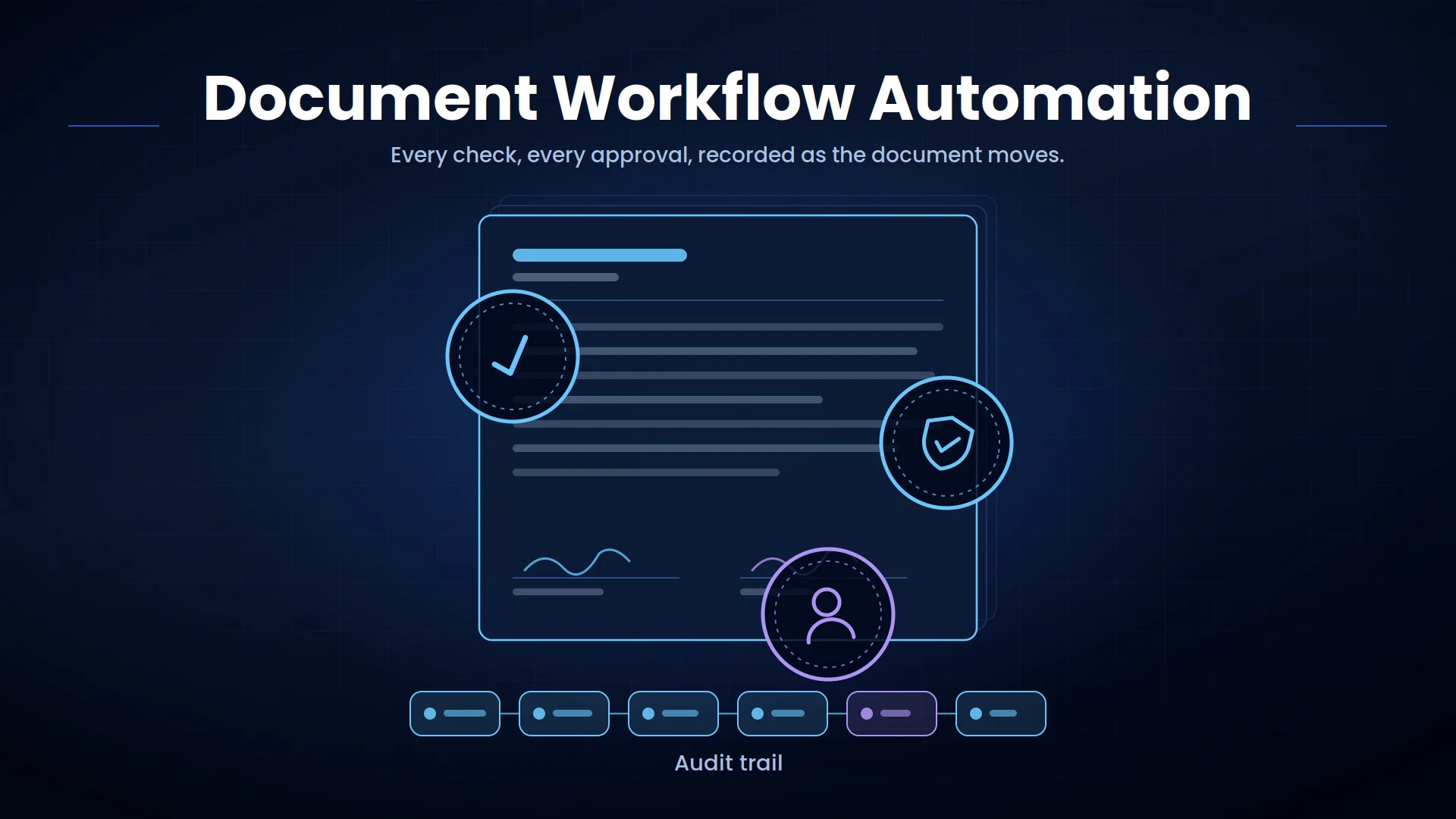
When these processes depend on manual downloads, spreadsheet trackers, and email follow-ups, documents become delayed, duplicated, misplaced, or approved without a reliable audit trail.
Document workflow automation connects every stage—from document receipt and classification to review, approval, system updates, and secure storage.
What Is Document Workflow Automation?
A basic document management system stores and organizes files. An automated document workflow goes further by using the document’s content and business rules to determine what should happen next.
It can:
- Collect documents from multiple channels
- Identify and classify document types
- Extract important information
- Validate data against business systems
- Route documents to the correct employee
- Manage approvals and exceptions
- Update enterprise applications
- Store records according to retention policies
How an Automated Document Workflow Works
1. Document Capture
The capture layer creates one controlled intake process and assigns metadata such as source, date, sender, document ID, and business unit.
2. Classification and Separation
When one file contains several documents, the system can separate the pages and send each item to the correct process.
3. Data Extraction
Large language models can support document summarization, clause comparison, and natural-language queries. Important extracted information should still be validated before it triggers a sensitive action.
4. Data Validation
An invoice may be compared with supplier, purchase-order, and delivery records. An employee form may be checked for required fields. A contract may be evaluated against approved terms and risk policies.
5. Routing and Approval
Routine documents that meet all requirements may continue automatically. Low-confidence, incomplete, unusual, or high-risk cases are sent to an authorized reviewer.
6. Enterprise System Integration
The workflow may create a record, update a case, prepare a payment, generate a task, send a notification, or initiate another process.
7. Storage and Audit
This creates a traceable record for audits, disputes, and operational reporting.
Document Workflow Automation Architecture
Input and Storage Layer
Processing Layer
Google Cloud’s current Document AI overview illustrates how document processors can classify, split, extract, and enrich information from unstructured documents.
Orchestration Layer
Microsoft’s document-classification architecture provides an example of using storage, queues, document intelligence, metadata, search, and orchestration within a scalable processing pipeline.
Integration Layer
Governance and Monitoring Layer
Tools Used in Document Process Automation
Common tools include:
- OCR and intelligent document processing platforms
- Business process management software
- Workflow automation platforms
- Robotic process automation
- Enterprise content management systems
- Electronic signature platforms
- API and integration middleware
- AI agents and retrieval systems
- Custom web and mobile applications
Document Workflow Automation Use Cases
Invoice Approval
Contract Review
Employee Onboarding
Insurance Claims
Compliance Records
Invoice Approval
Benefits of Automated Document Workflows
The greatest benefit comes from connecting document information to business actions. Extracting data without routing, approval, or integration simply creates another isolated dataset.
Best Practices for Implementation
Test the system using real document variations, including poor scans, missing fields, unfamiliar layouts, and handwritten information.
Define confidence thresholds and exception routes. Employees should review uncertain or consequential cases rather than manually checking every document.
Apply encryption, role-based access, data retention, audit logging, and separation of duties. Sensitive documents should follow the same security standards as the systems receiving their data.
Measure extraction accuracy, automated completion rate, processing time, exception rate, approval time, cost per document, and backlog reduction.
Conclusion
Businesses should focus on end-to-end outcomes rather than extraction alone. A successful workflow ensures that document data reaches the correct system, receives the appropriate approval, and produces a measurable operational result.
Automate Document Workflows With Arcitech
Arcitech’s AI automation services help businesses automate document capture, classification, extraction, validation, and approval. Our AI integration services connect document workflows with ERP, CRM, HR, finance, and industry-specific systems.
Talk to Arcitech about developing secure document automation around your existing processes and technology.
Frequently Asked Questions About Document Workflow Automation
1. What is document workflow automation?
It uses software and AI to capture, understand, route, approve, integrate, and store business documents automatically.
2. How is it different from document management?
Document management focuses on storing and organizing files. Workflow automation moves documents through processing, validation, approval, and business actions.
3. Which documents can be automated?
Invoices, contracts, purchase orders, claims, employee forms, customer applications, compliance records, and many other document types can be automated.
Invoices, contracts, purchase orders, claims, employee forms, customer applications, compliance records, and many other document types can be automated.
5. How is document workflow performance measured?
Common KPIs include processing time, extraction accuracy, automated completion rate, exception rate, approval time, cost per document, and backlog volume.
Check out our Social Media