Workflow Automation Examples by Department: Finance, HR, Sales and Operations
- Arcitech
- 03th October 2026
An invoice waits in an inbox. A new employee cannot access the required systems. A sales representative forgets to update the CRM. An operations team manually copies order data between platforms.
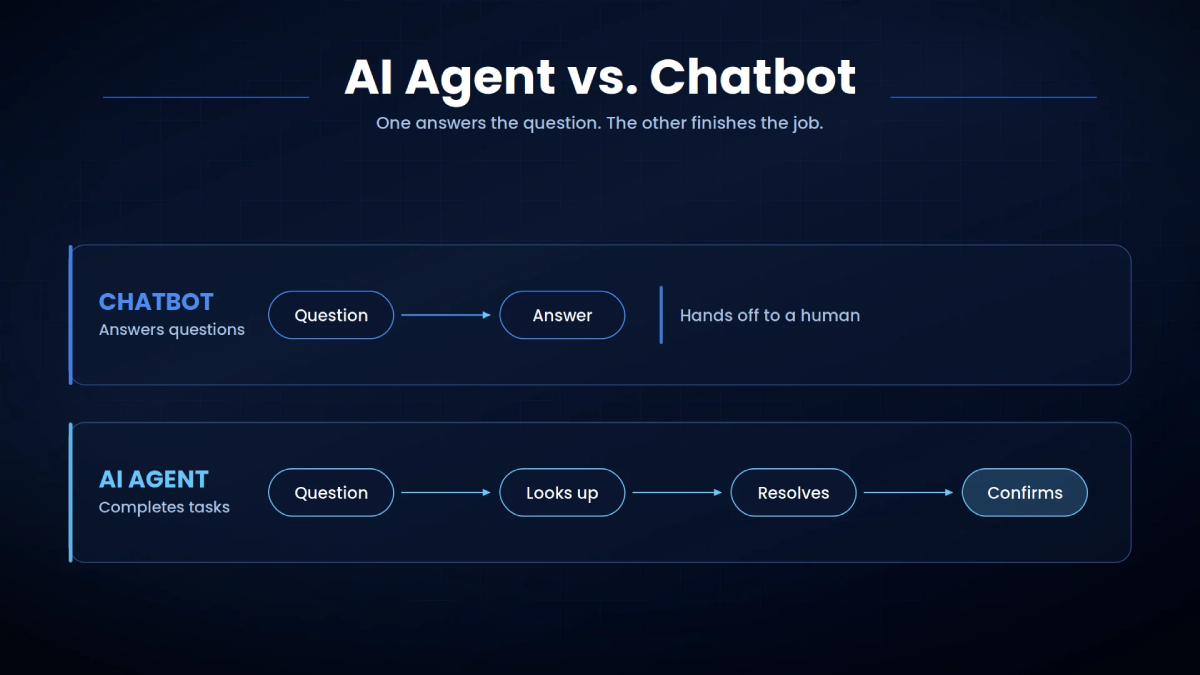
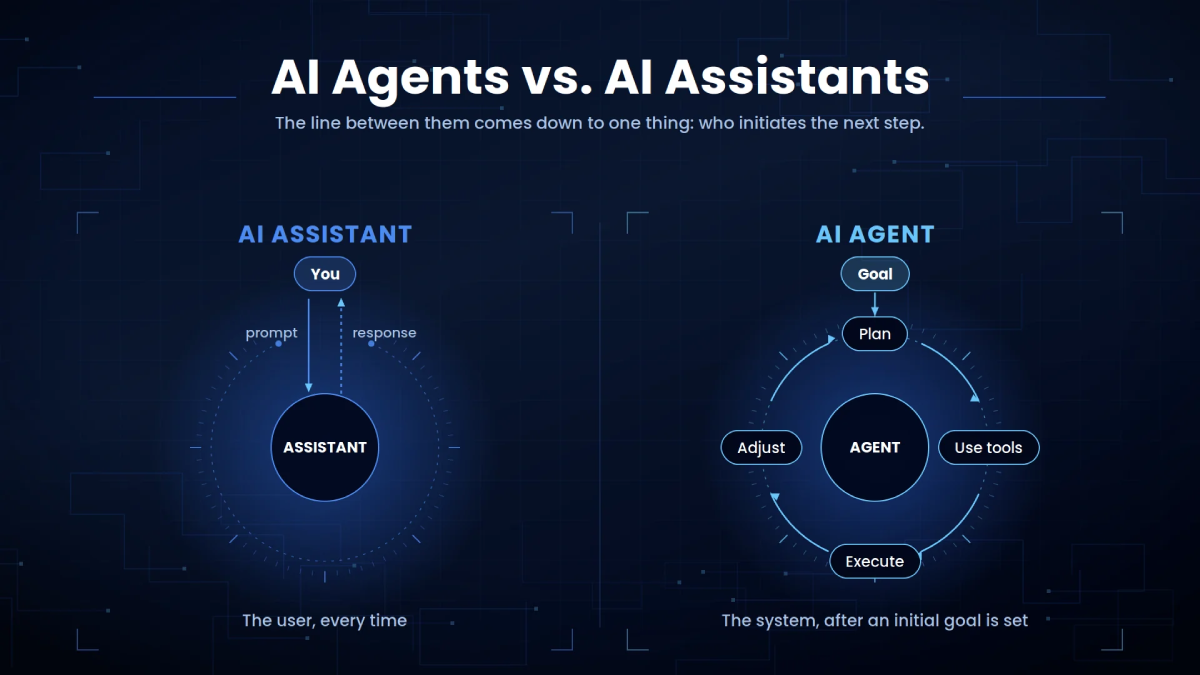
Workflow automation connects these steps so information reaches the right person or system automatically. With artificial intelligence, automation can also interpret documents, classify requests, summarize information, recommend actions, and manage exceptions.
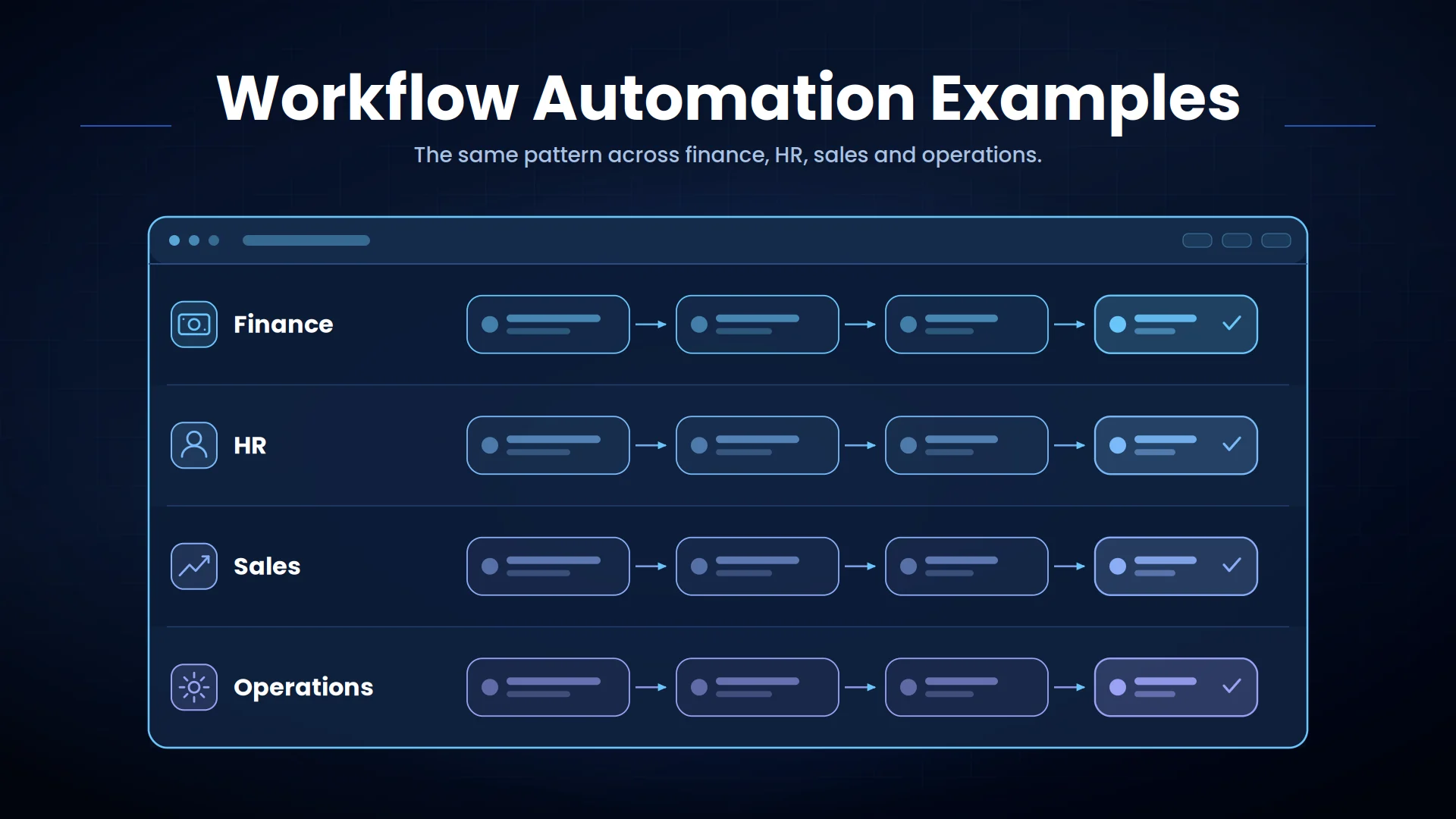
The following workflow automation examples show how finance, HR, sales, and operations teams can reduce repetitive work without removing necessary human oversight.
What Is Workflow Automation?
A workflow typically begins with a trigger, such as receiving an invoice, submitting a form, closing a sale, or detecting low inventory. The system then performs actions based on rules, data, and approvals.
Traditional automation follows predefined conditions. AI-powered automation can also understand unstructured information from emails, documents, conversations, and images.
Common components include:
- Workflow engines
- API integrations
- Robotic process automation
- Intelligent document processing
- AI agents and language models
- Business rules and approval controls
- Notifications and audit logs
Finance Workflow Automation Examples
Automated Invoice Processing
Approved invoices are then posted to the ERP or accounting system.
Business impact: Shorter processing cycles, fewer data-entry errors, better cash-flow visibility, and reduced risk of duplicate payments.
Expense Approval
Routine expenses can proceed automatically, while policy exceptions require finance review.
Business impact: Faster reimbursement, stronger policy compliance, and less manual follow-up.
Accounts Receivable Follow-Up
Business impact: Reduced overdue balances and more consistent collection activity.
HR Workflow Automation Examples
Employee Onboarding
Human resources retains control over sensitive employment decisions while routine coordination happens automatically.
Business impact: Faster onboarding, fewer missed tasks, and a more consistent employee experience.
Leave Request Management
Business impact: Fewer administrative queries and more accurate leave records.
Employee Support
Cases involving personal circumstances, policy exceptions, or confidential issues are transferred to HR professionals.
Business impact: Faster answers and reduced repetitive support work.
Sales Workflow Automation Examples
Lead Qualification and Routing
High-intent leads can trigger immediate notifications and follow-up tasks.
Business impact: Faster response times and better use of sales capacity.
CRM Data Management
Business impact: More complete CRM data and less administrative work for sales teams.
Proposal and Follow-Up Workflows
Business impact: Shorter sales cycles and more consistent proposals.
Operations Workflow Automation Examples
Purchase Request Approval
Business impact: Better spending control and clearer procurement records.
Inventory Replenishment
High-value orders can remain subject to procurement approval.
Business impact: Fewer stockouts, reduced overstock, and better purchasing decisions.
Order Processing
Exceptions such as insufficient inventory or address mismatches are assigned to employees.
Business impact: Faster fulfillment and fewer order-entry errors.
Service Request Management
Business impact: Faster resolution and improved service-level performance.
How to Choose Which Workflows to Automate
Process and task mining can help identify how work is actually performed. Microsoft’s current process-mining guidance explains how event logs and recorded user actions can reveal bottlenecks, noncompliant paths, recurring mistakes, and automation opportunities.
Avoid starting with a highly variable process that lacks clear ownership or documented rules. Automating a broken process can make its problems move faster.
Best Practices for Workflow Automation
Establish baseline measurements such as processing time, cost, error rate, backlog, and manual effort. These figures make it possible to calculate automation value.
Use human approval for high-risk, low-confidence, regulated, or irreversible actions. Automation should support accountability rather than remove it. Integrate workflows with existing ERP, CRM, HR, finance, and operations systems. Employees should not have to re-enter automated data manually.
Monitor performance after deployment and improve rules as business requirements change.
KPIs for Measuring Workflow Automation
- End-to-end processing time
- Automated completion rate
- Manual touchpoints per transaction
- Exception and error rates
- Approval turnaround time
- Cost per transaction
- Backlog volume
- Employee adoption
- Customer or employee satisfaction
Conclusion
Organizations should begin with measurable, high-volume processes and expand after proving operational value.
Automate Business Workflows With Arcitech
Arcitech’s AI automation services help businesses design intelligent workflows across finance, HR, sales, and operations. Our AI integration services connect automation with existing applications, data, APIs, and approval systems.
Talk to Arcitech about identifying and automating the workflows with the greatest business impact.
Frequently Asked Questions About Invoice Processing Automation
1. What is an example of workflow automation?
An invoice workflow can extract data, match purchase orders, request approval, and post verified information to an ERP system.
2. Which departments benefit from workflow automation?
Finance, HR, sales, customer service, procurement, IT, and operations can all benefit from well-designed automation.
3. What processes should a business automate first?
Start with high-volume, repetitive processes that have clear rules, measurable delays, and frequent manual handoffs.
4. Does workflow automation require AI?
5. How is workflow automation success measured?
Track processing time, automation rate, errors, manual effort, cost per transaction, backlog, adoption, and business outcomes.
Check out our Social Media